Instant AI Video Upscaler
Sharper, Cleaner, and Ready for Any Size. Enhance video resolution up to 4K with lifelike detail - no watermarks, no hassle.

Powered by Topaz Labs’ pro-grade AI models-trusted by millions, including photographers, creators, and brands

Before

After
Upscale upto 4K resolution
Before
After
Perfect for increasing FPS
Before
After
Preserve Details while enhancing
Before
After
Works for all kinds of video
Step by Step
How it Works

Upload your video
Drag & drop, select or paste URL
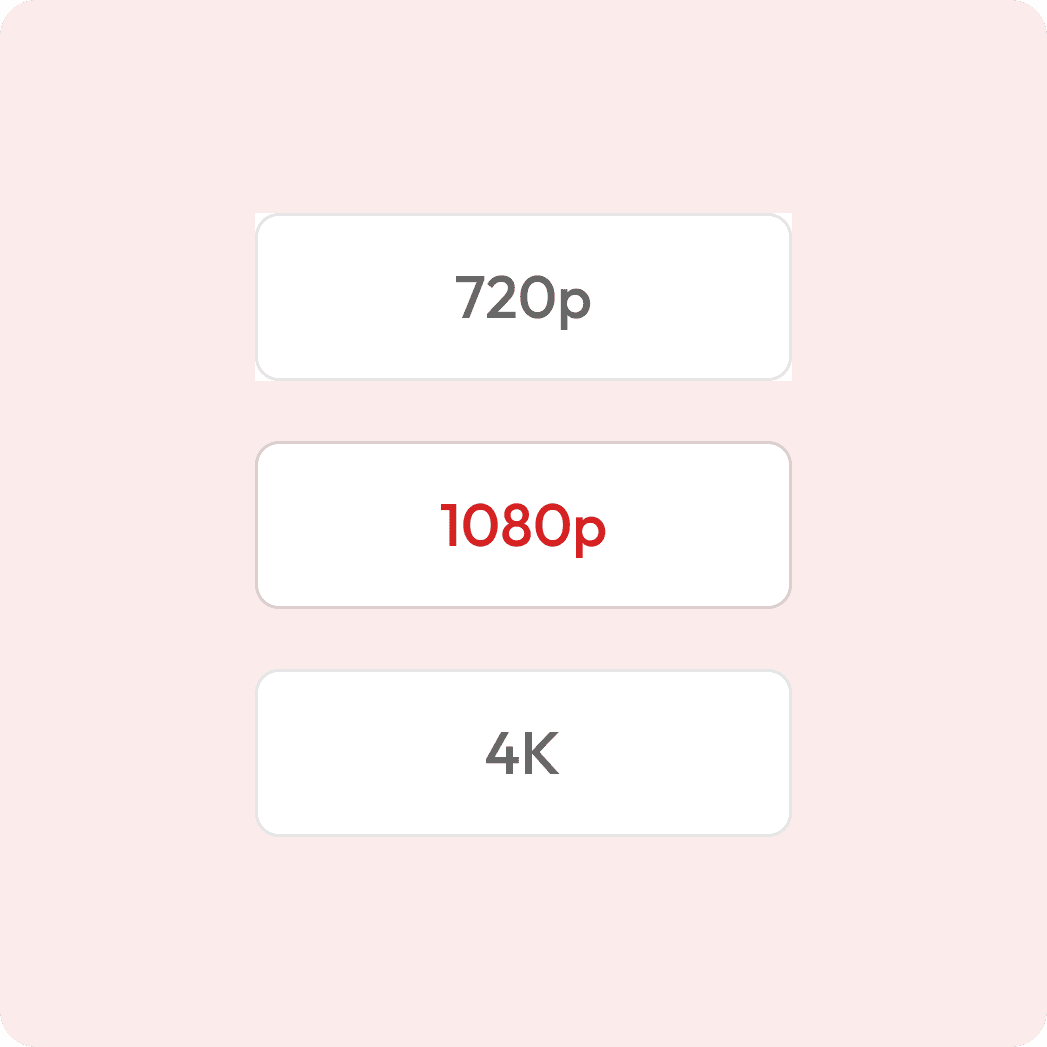
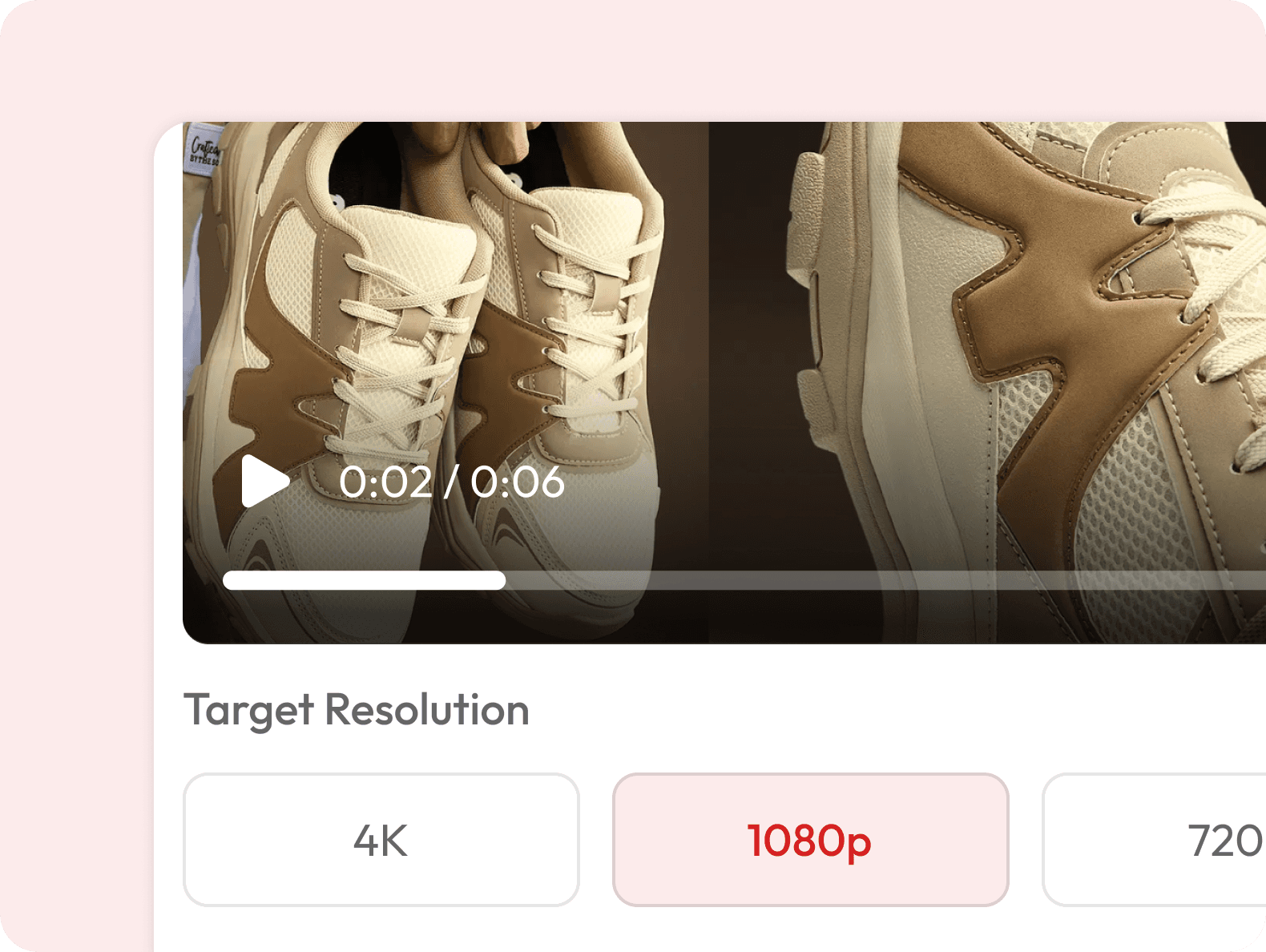
Choose your resolution
E.g. 720p, 1080p or 4K

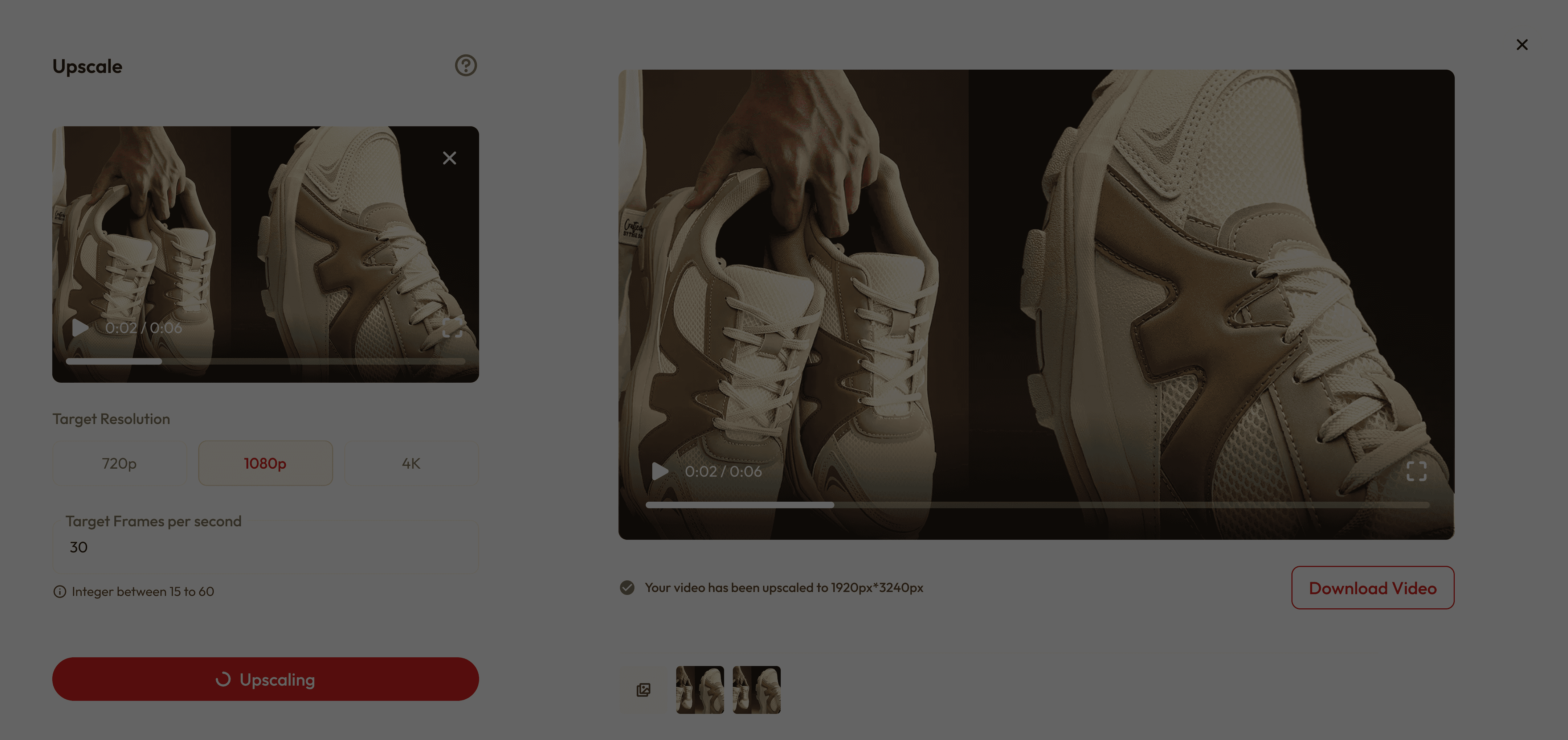
Preview before download
See live before & after

Download upscaled video
Optimized for viewing anywhere
Upscale Your Video to Stunning Quality








What makes it special
Preserves Original Look
No Artificial Look - Enhances every detail while keeping your video's authentic style and natural lighting intact.
Fast, Easy & Versatile
3-Click process - Upload, select quality, done. Perfect for ads, films, social content, and professional footage.
Perfect for All Creators
From cinematic edits to social media clips and quick reels, Upscale delivers stunning results every time.
Got Questions?
What does video upscaling mean?
Video upscaling increases your video’s resolution (e.g., from 720p to 1080p or 4K) while preserving or improving quality using AI.
Is it free to use?
Yes! New users get free credits when they sign up, which you can use for a certain number of upscales at no cost. Once your free credits run out, you can purchase more or subscribe for unlimited access.
Which resolution should I choose?
We offer multiple models for different needs: 720p → Good for web or mobile viewing. 1080p (Full HD) → Best balance between quality and file size. 4K (Ultra HD) → Best for large screens, presentations, or high-end projects.
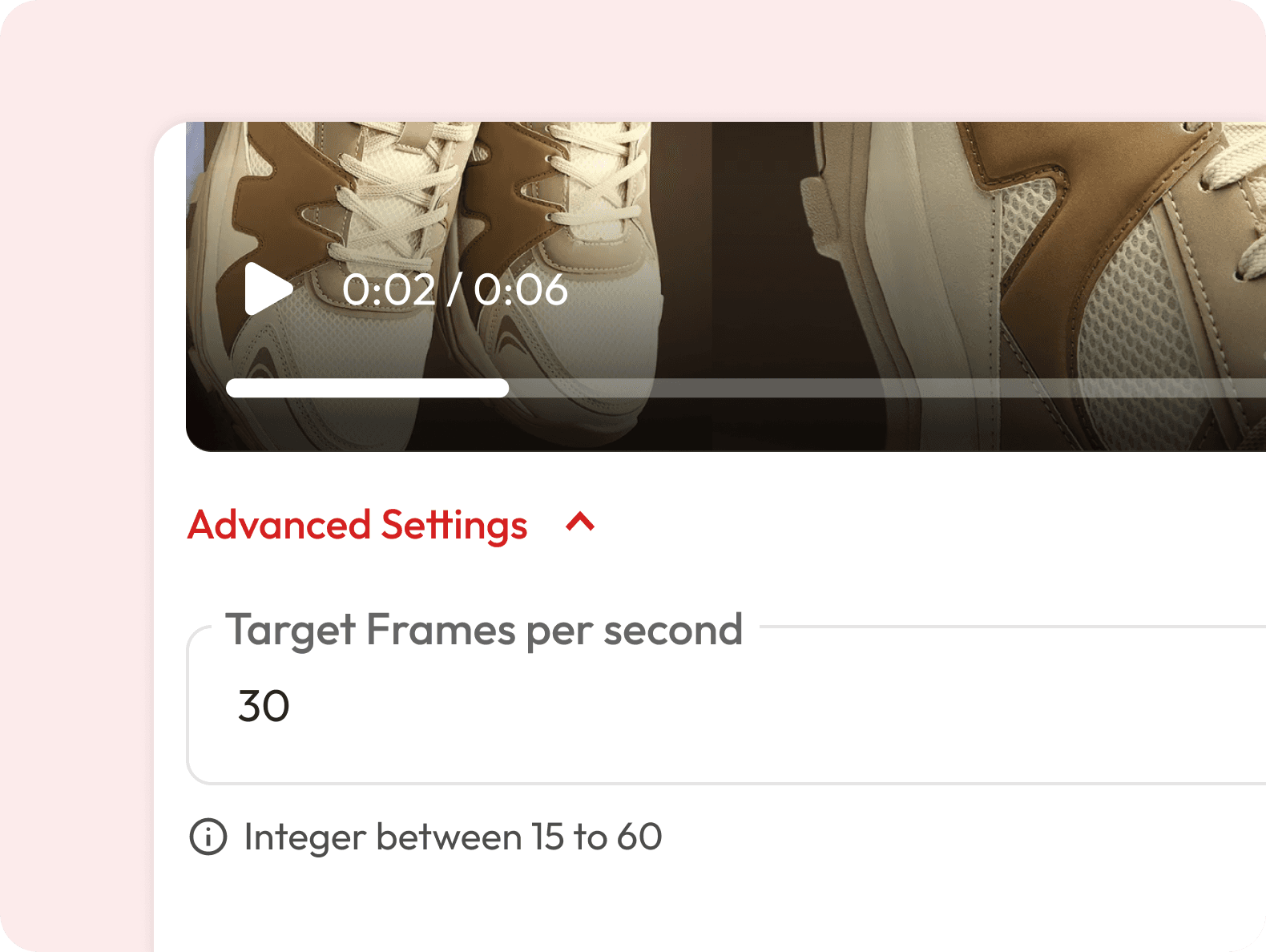
What does “Target Frames per Second (FPS)” mean?
FPS is how many images per second your video shows. Common values: 30 FPS → Standard smooth motion. 60 FPS → Extra smooth, best for sports or action.
Can I upscale any video format?
Most common formats like MP4, MOV, etc. are supported. If your file isn’t working, try converting it to MP4.
How long does upscaling take?
Processing time depends on your video length, resolution, and selected FPS. Small clips may finish in under a minute; longer or 4K videos may take several minutes.
Will upscaling increase my file size?
Yes, higher resolution and FPS mean larger file sizes. Make sure you have enough storage before downloading.
Is there any limit to video length?
Currently, you can upload videos up to 30 seconds long.
Can I preview the results before downloading?
Yes. Once processing is done, your upscaled video will appear on the right side for you to review.
Will upscaling improve my video’s quality?
Yes, AI upscaling can enhance sharpness, detail, and clarity — especially for lower-resolution videos. However, it won’t add details that were never captured in the original footage.