Modify Video with AI
AI-powered VFX. Change environments, edit characters, shift time, or reimagine the entire video using image references and simple prompts.
Change Environments
Make it night
Before
After
Add Rain
Before
After
Turn into volcanic site
Before
After
Turn into dark smokey alley
Before
After
Add a fountain with water jets
Before
After
Add Godzill amongst the buildings
Before
After
Remove car
Before
After
Before
After
Change color of subject to pink
Before
After
Replace character with fluffy cat
Before
After
Make him as a child
Before
After
Change hairstyle to curly hairs
Before
After
Change camera angle to wide shot
Before
After
Change to side face view
Before
After
Add green screen
Before
After
Green screen the books
Before
After
Before
After
Step by Step
How it Works


Upload your Video
Drag & drop, select or paste URL
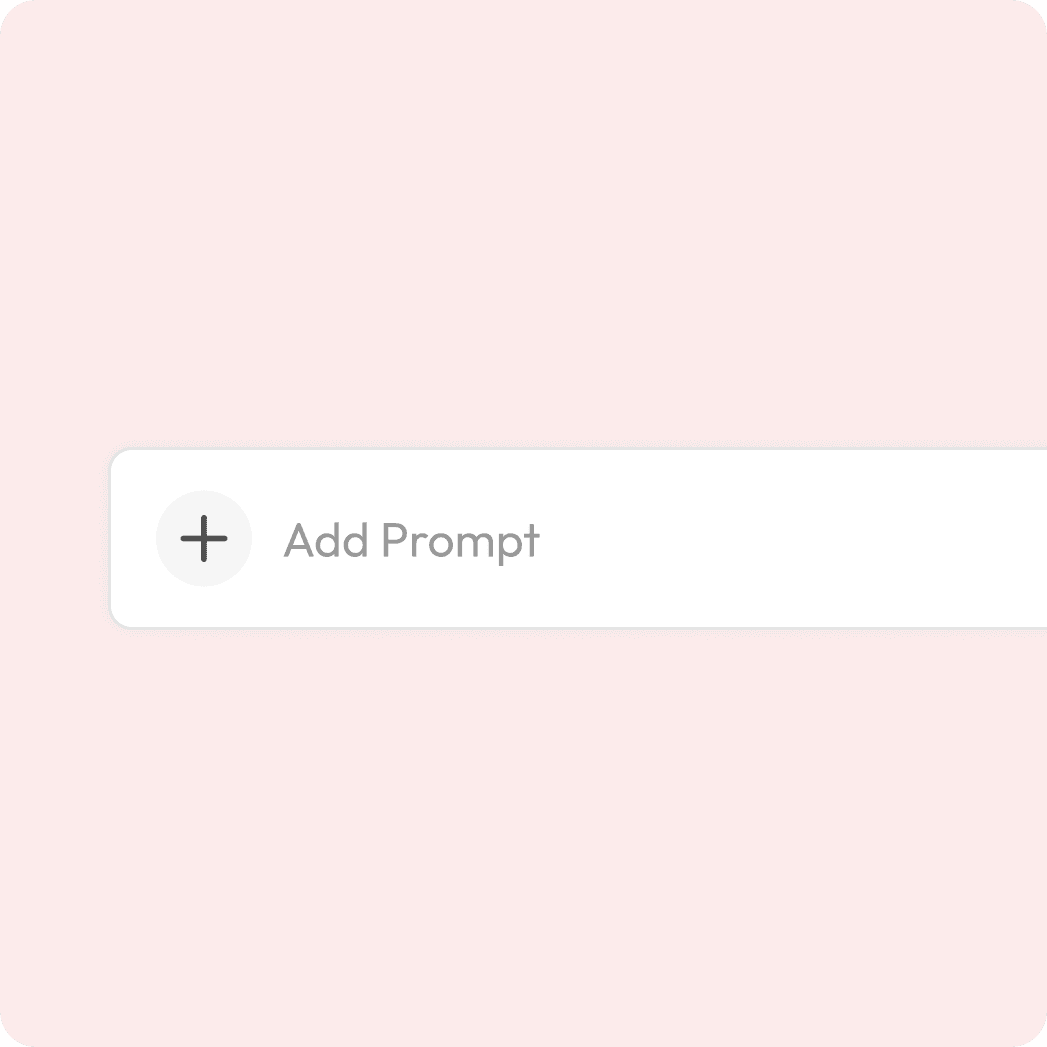
Write your prompt
Describe the change you want
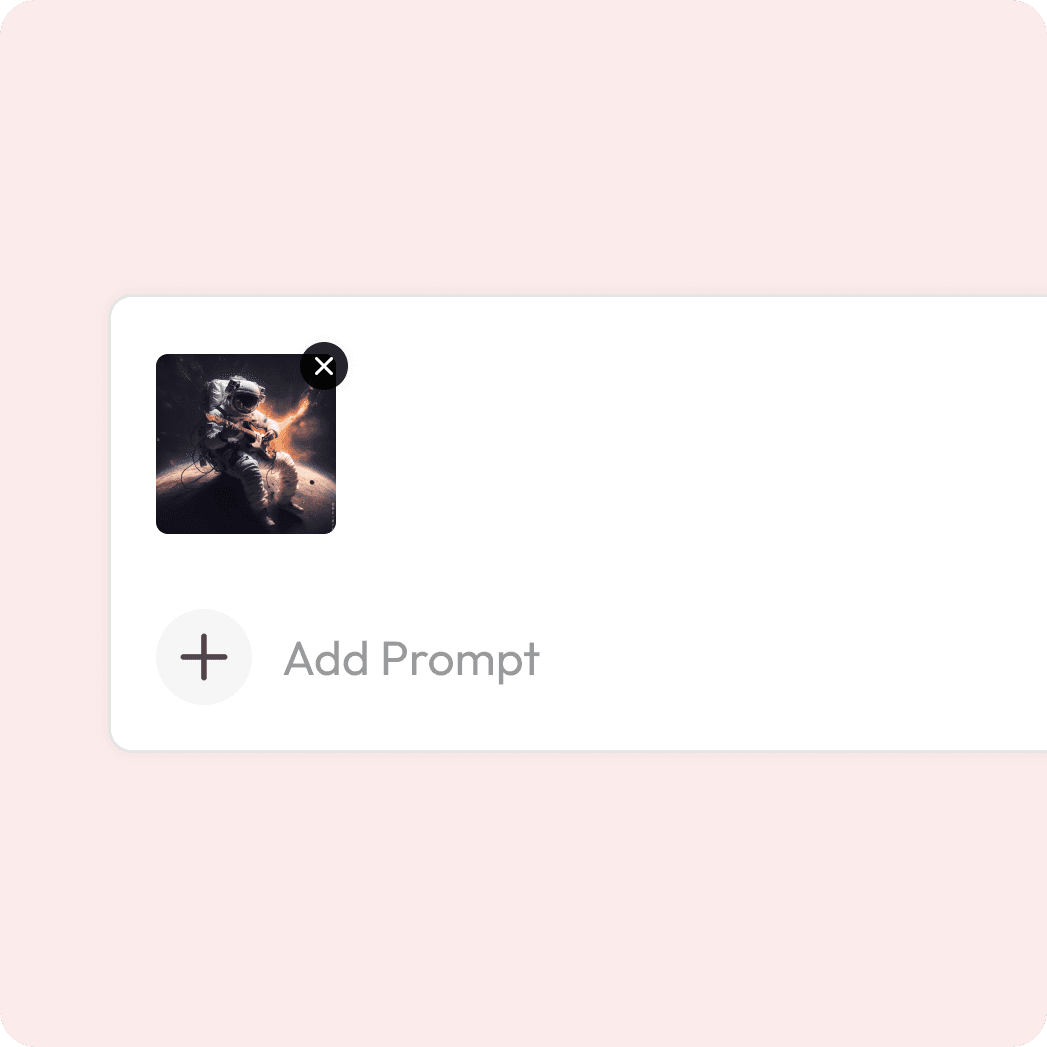
Optional to add for precision

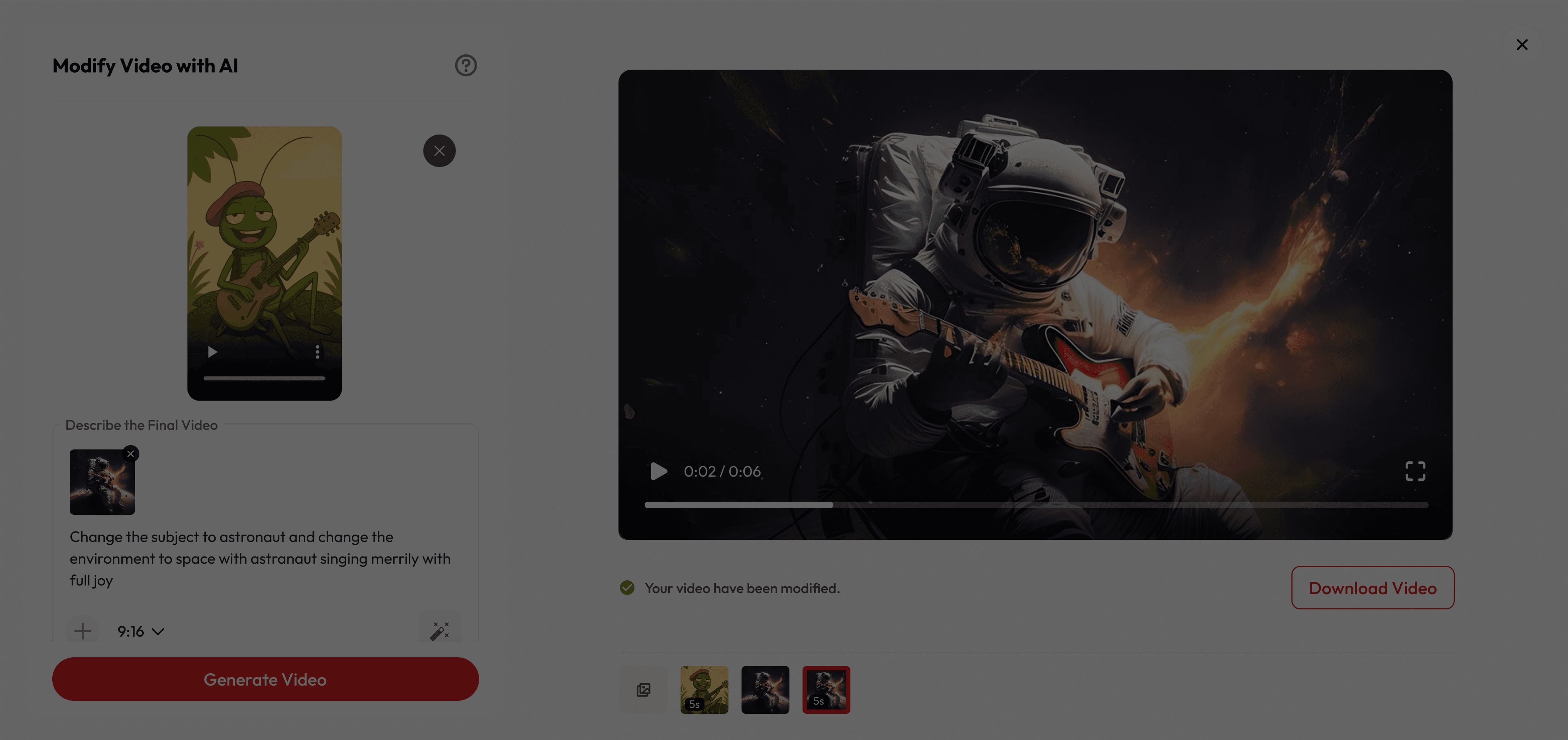
Preview & Download
See the transformation & export.
Turn Any Clip Into Something New
What makes it special
Creative Control, Simplified
Refresh your footage effortlessly and give old clips a brand-new look with modern, cinematic quality.
Instant Video Makeover
Swap objects, change backgrounds, or add cinematic effects—no reshoots needed.
Modify faster and cheaper
Skip complex edits and costly shoots—just write a prompt and create professional results in minutes.
Got Questions?
What is video modification?
Video modification lets creators transform existing footage using natural-language prompts. It can add, remove, or change objects, restyle scenes, adjust lighting, and even generate alternative camera angles while keeping frames consistent.
Is it free to use?
Yes! New users get free credits when they sign up, which you can use for a certain number of generations at no cost. Once your free credits run out, you can purchase more or subscribe for unlimited access.
Are there content or usage restrictions?
Yes. Edits must comply with Atlabs’ acceptable-use and rights policies. Upload only content with the right to modify.
What are best practices for prompting?
Be specific about objects, actions, materials, and mood. Mention camera moves and lighting intent (e.g., “soft golden-hour rim light,” “subtle push-in”). Provide references when possible. You can also try magic prompt.
How fast is the process?
Most videos are generated in just a few seconds, depending on size and prompt.
How do I add a reference image?
Click the + icon in the editor to add reference image, and upload a single image. Only one reference can be attached per edit at this time.