Instant AI Image Upscaler
Instantly enhance image resolution up to 8x. Get sharper, cleaner photos with lifelike detail - no watermarks, no hassle.

Powered by Topaz Labs’ pro-grade AI models-trusted by millions, including photographers, creators, and brands.
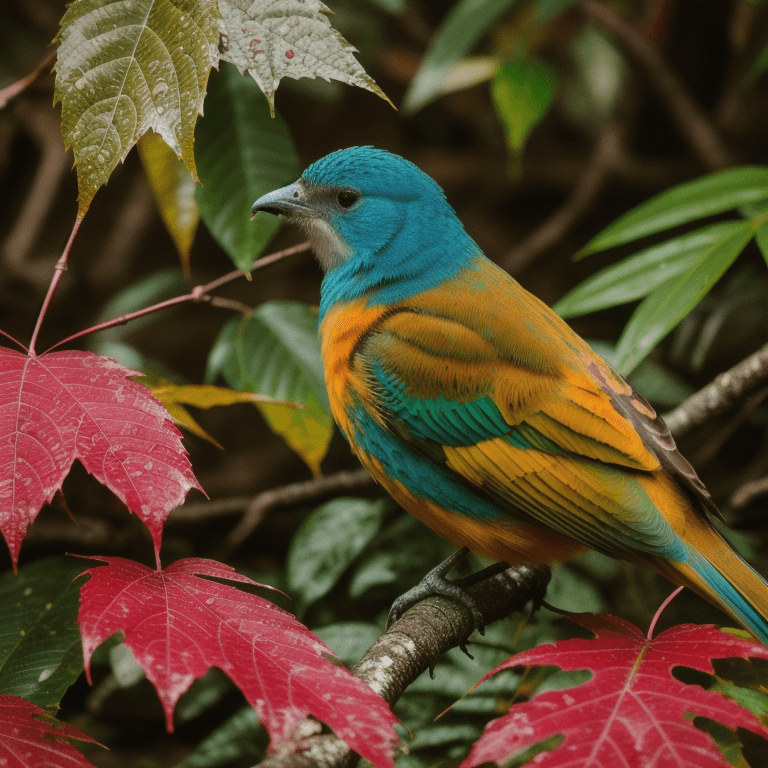
Before
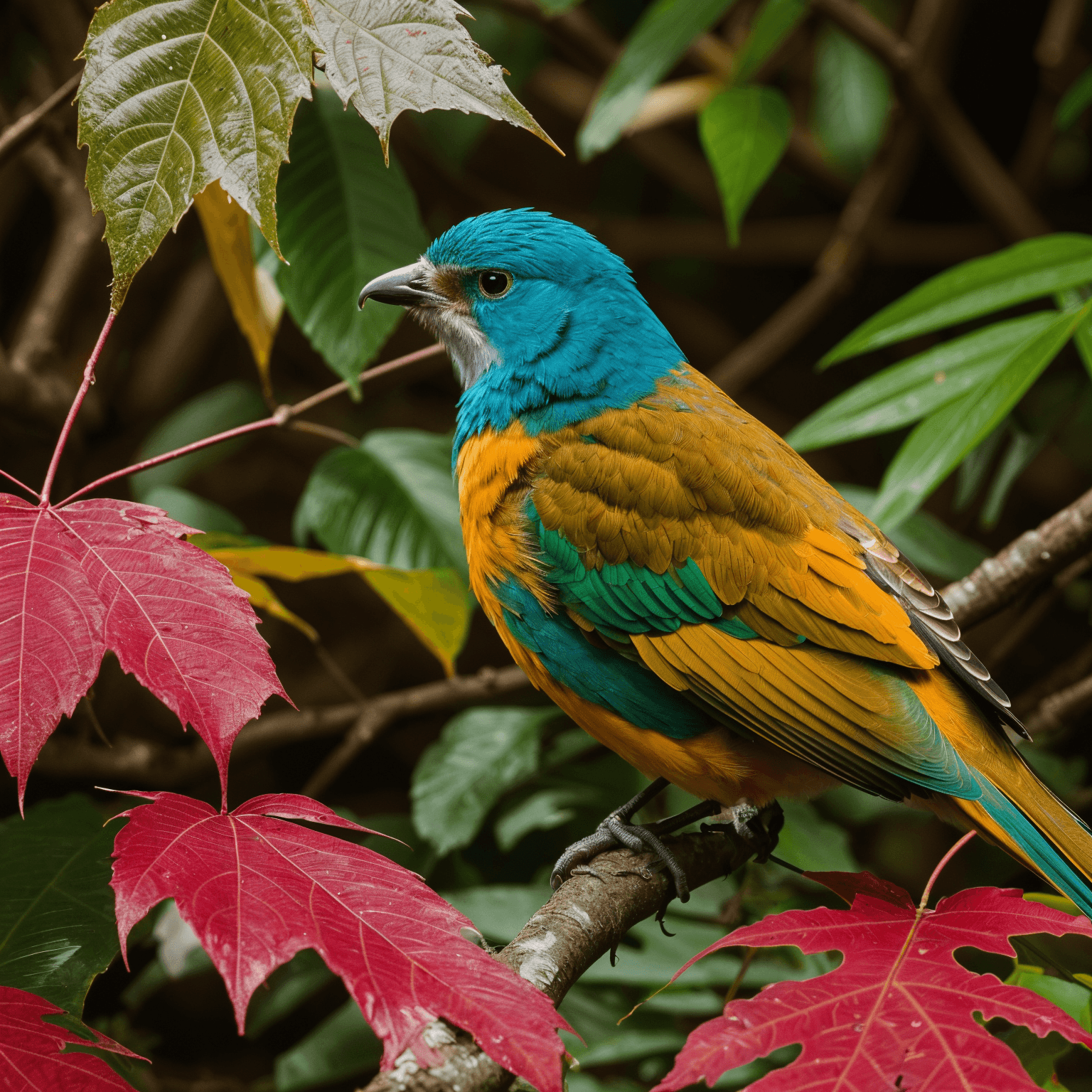
After
Upscale upto 8x


After
Enhanced Facial Details
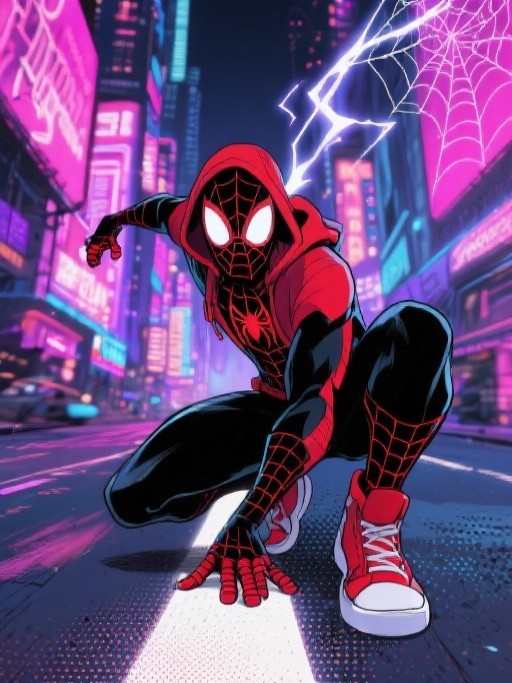
Before
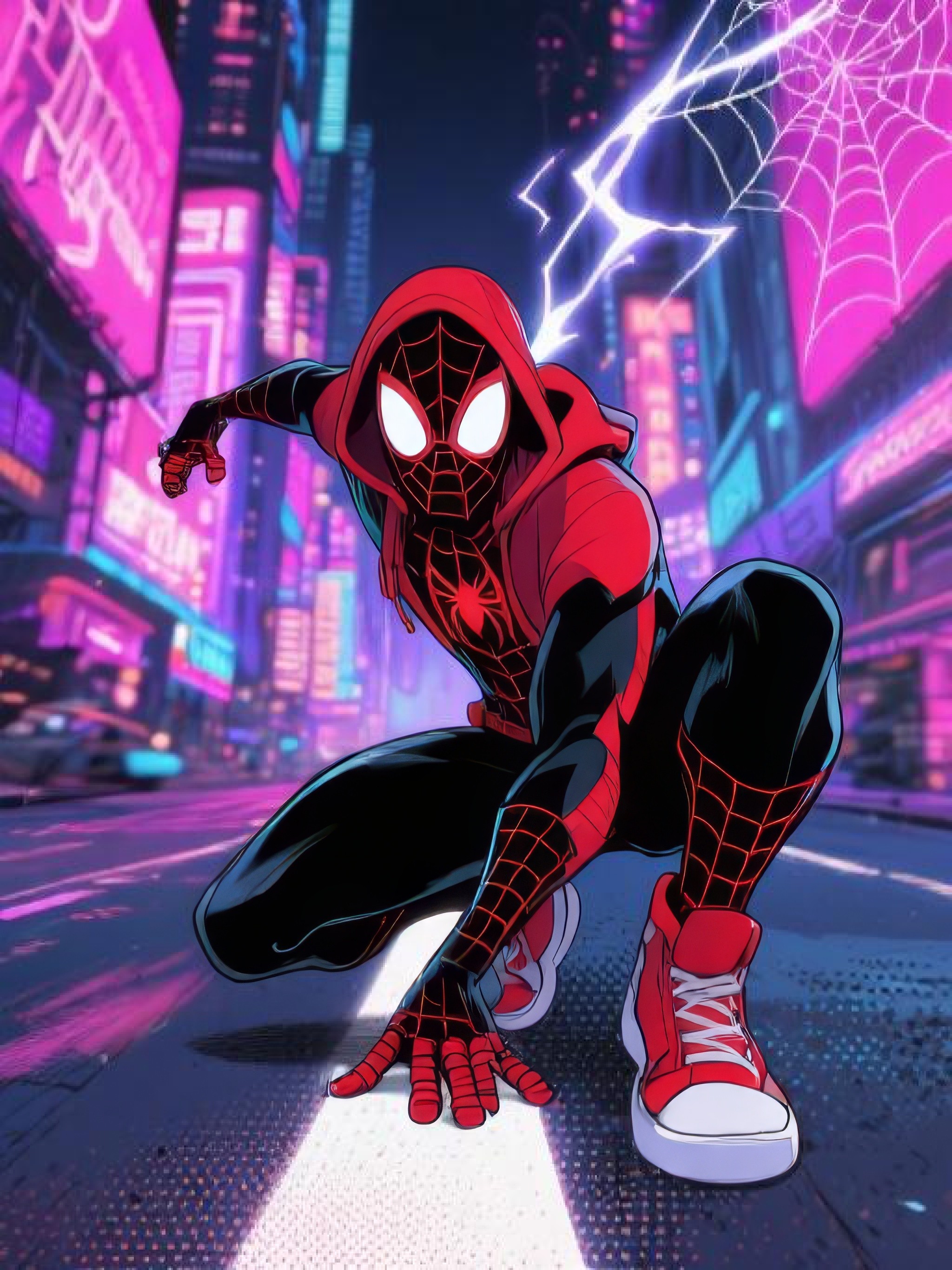
After
Perfect for digital art upscale
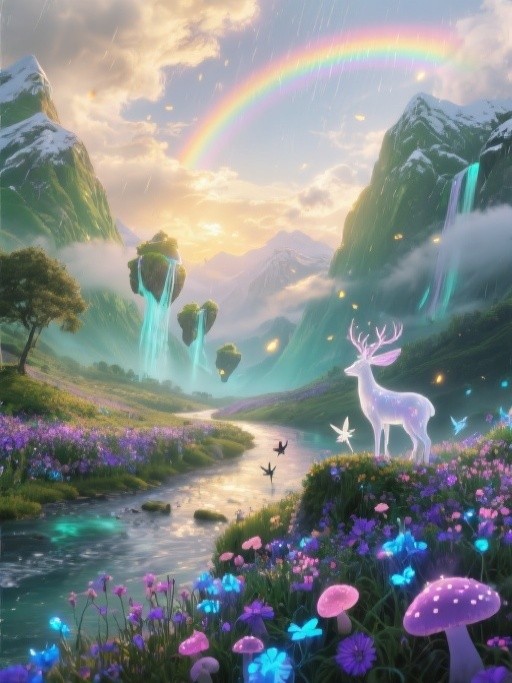
Before
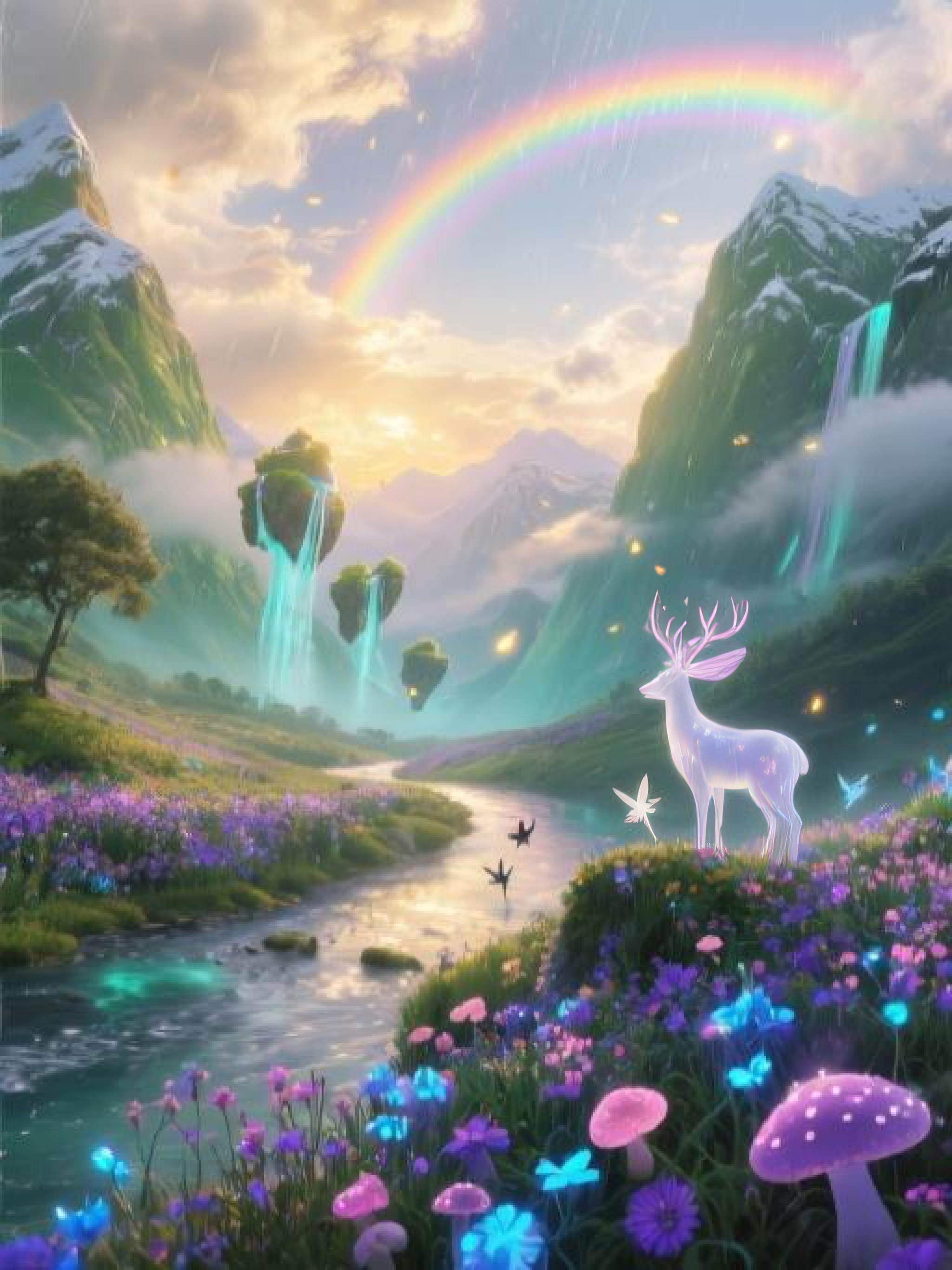
After
Preserve Details while enhancing
Step by Step
How it Works

Upload image
Drag & drop, select or paste URL
Choose upscale level
E.g. 2x, 4x, or custom
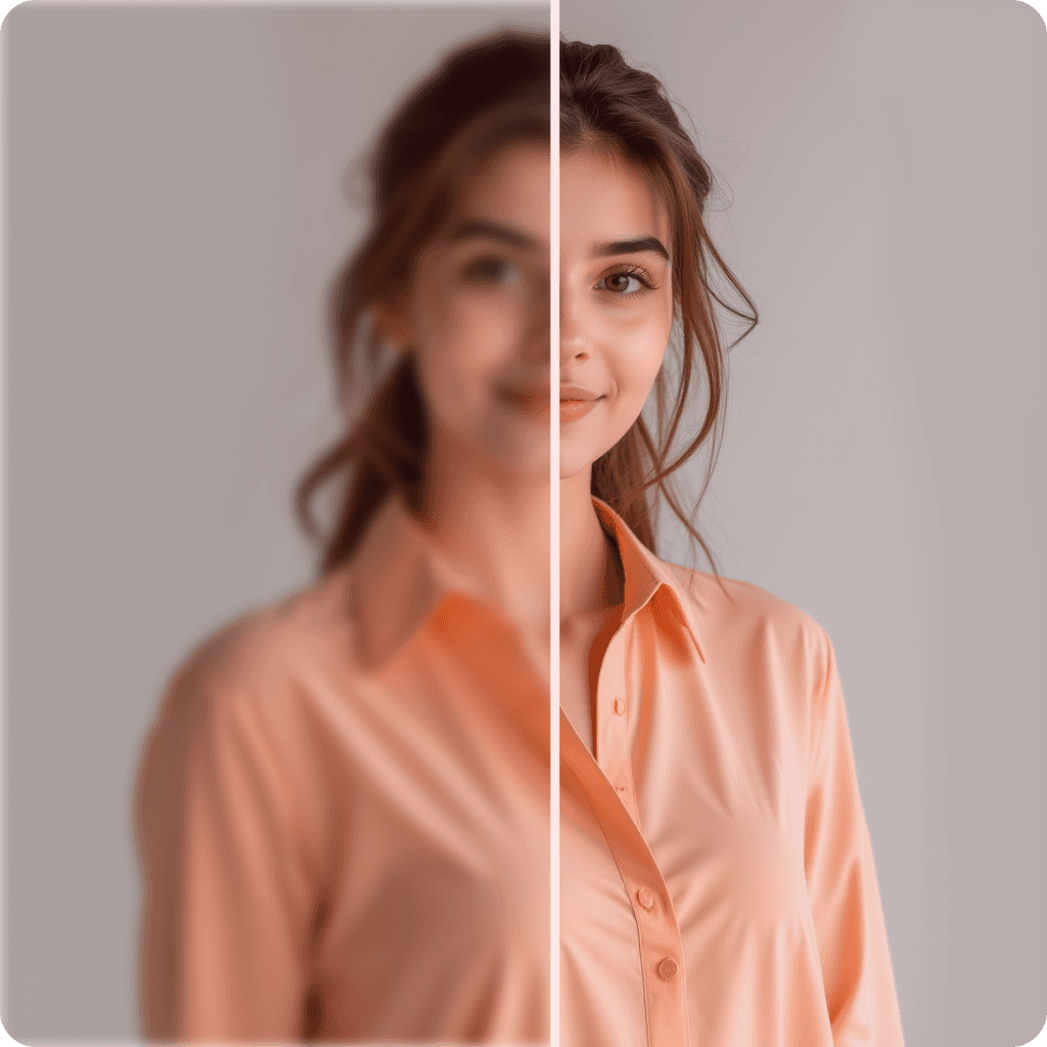
Preview
See live before & after

Download image
Printer-ready or for screens
Upscale Your Image to Stunning Quality
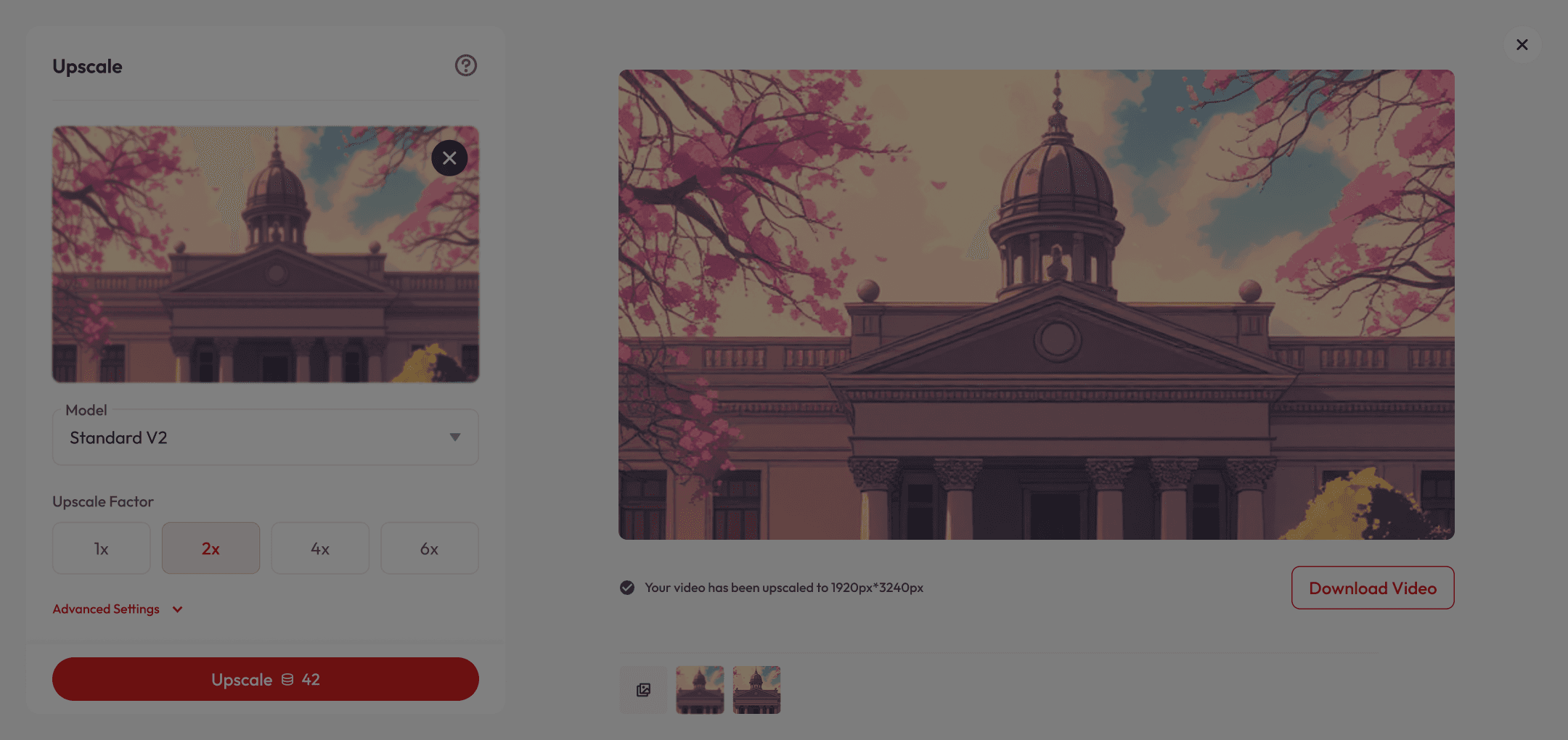







What makes it special
Preserves Original Look
Maintains natural colors, lighting, and artistic style of your image while improving quality.
Fast, Easy & Versatile
Get professional-grade results in just a few clicks, whether it’s a product photo, travel shot, or anything in between.
Perfect for All Creators
From professional portraits to social media posts and quick snaps, Upscale delivers stunning results every time.
Got Questions?
What is AI upscaling?
AI upscaling uses advanced machine learning models to increase the resolution of your image while restoring details, reducing noise, and improving clarity — without simply stretching pixels.
Is it free to use?
Yes! New users get free credits when they sign up, which you can use for a certain number of upscales at no cost. Once your free credits run out, you can purchase more or subscribe for unlimited access.
Which AI models are available?
We offer multiple models for different needs: Standard V2 – For realistic photos Low Resolution V2 – For small or compressed images CGI (Art/CG) – For anime, comics, or vector art High Fidelity V2 – Preserves fine textures and edges Text Refine – Keeps text crisp and readable
What is Beautify Image and Creativity Factor?
Beautify Image smooths and enhances portraits, while Creativity Factor adds subtle or bold artistic improvements to your image.
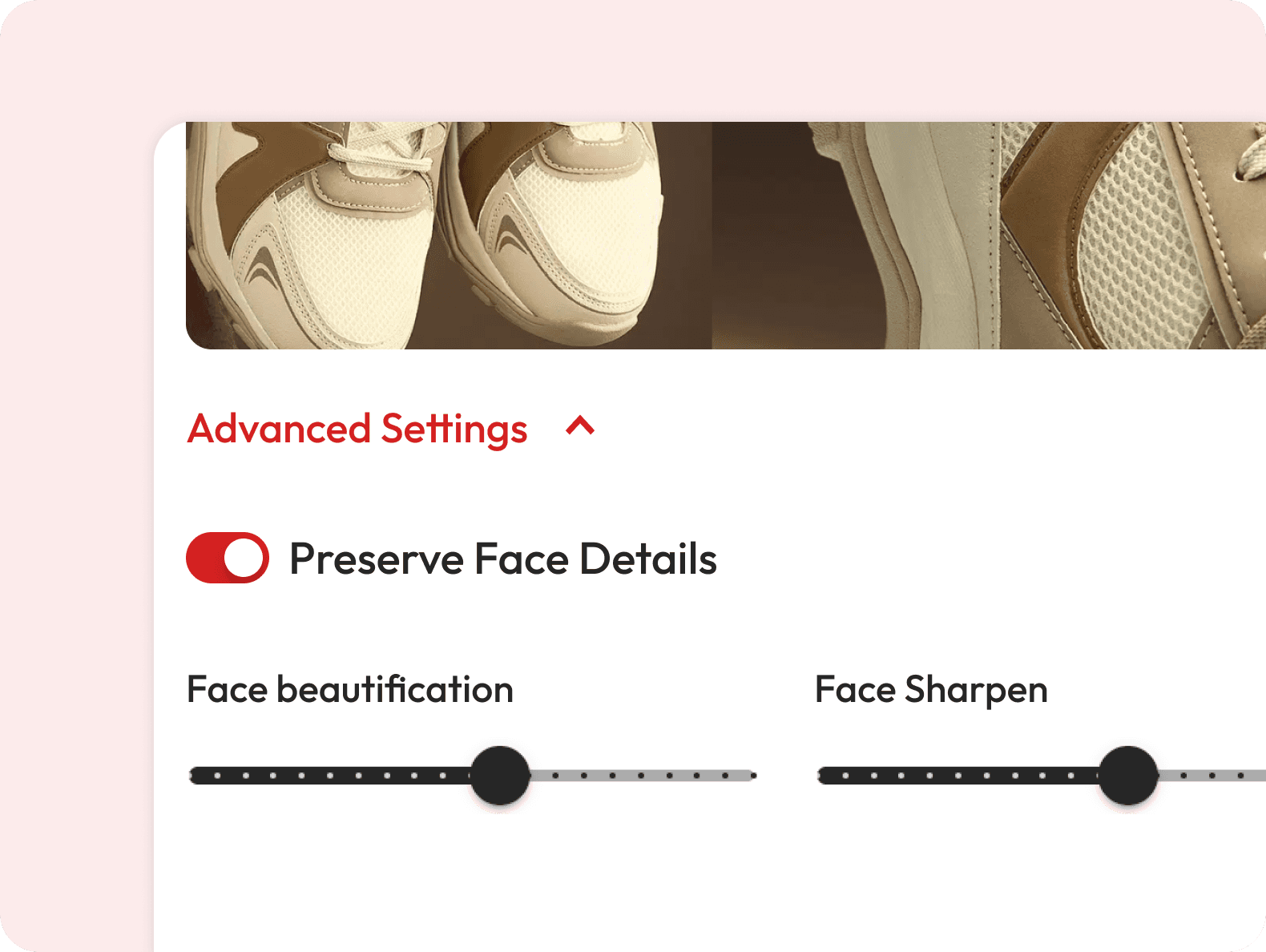
What does “Preserve Face Details Finely” do?
This option ensures that facial features remain sharp and natural, even when the rest of the image is enhanced.
Can I enhance only part of my image?
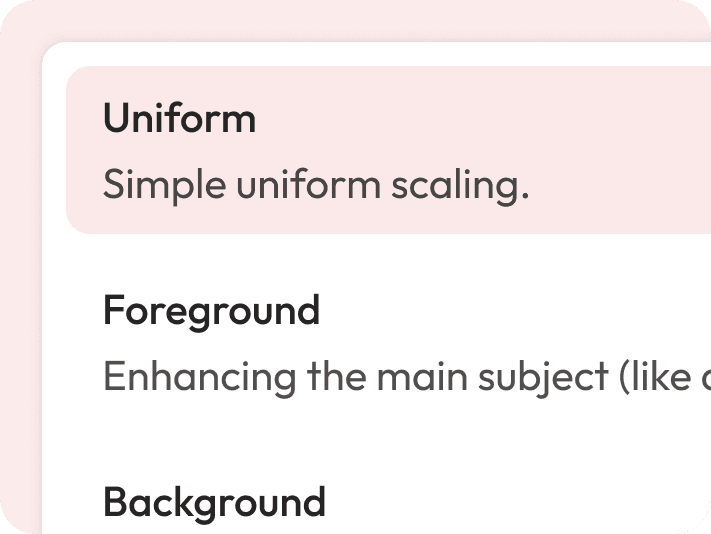
Yes — choose Uniform scaling for the whole image, or target Foreground, Background, or Both for precise control.
Does AI upscaling work on very old or blurry images?
Yes, especially if you choose the Low Resolution V2 or High Fidelity V2 model — they’re designed to recover details from poor-quality sources.
How fast is the process?
Most images upscale in just a few seconds, depending on size and upscale factor.
Which upscale factors can I choose?
You can upscale images by 2x, 4x, or 6x. The higher the factor, the more detail the AI will generate.