


ACCESS 50+ MODELS ON ATLABS
Turn Your Images to Videos with Google Veo 3.1
Experience ultra-realistic storytelling by redefining realism, motion, and emotion in AI video creation powered by Google Veo 3.1.
No credit card required. Get started in minutes.
Whether it's for marketing videos, educational content, podcasts, or digital presentations, our AI Motion ensure your message is delivered with clarity, emotion, and impact.
Step by Step
How it Works

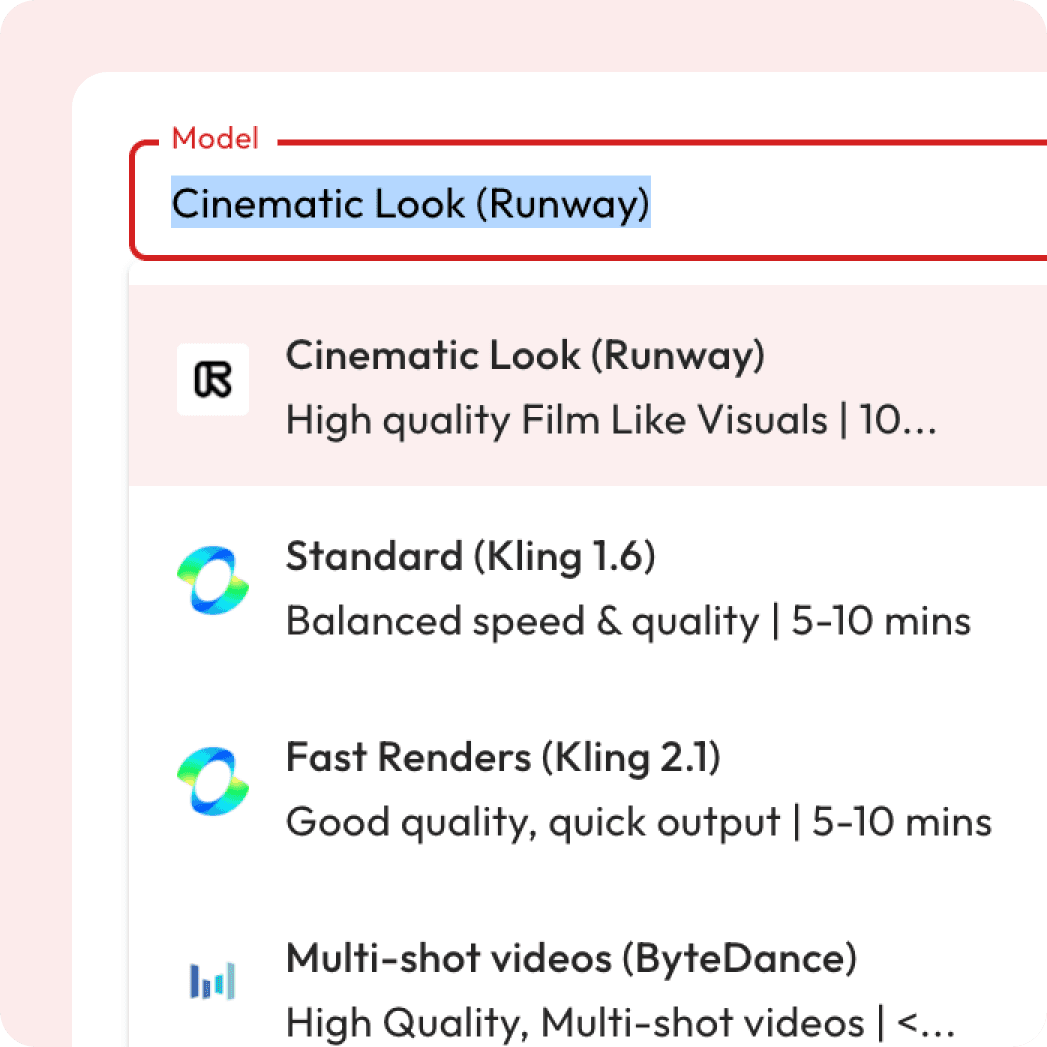
Select Your Model

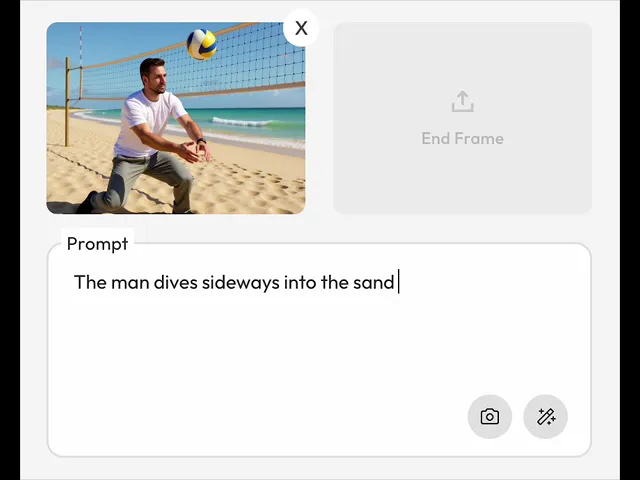
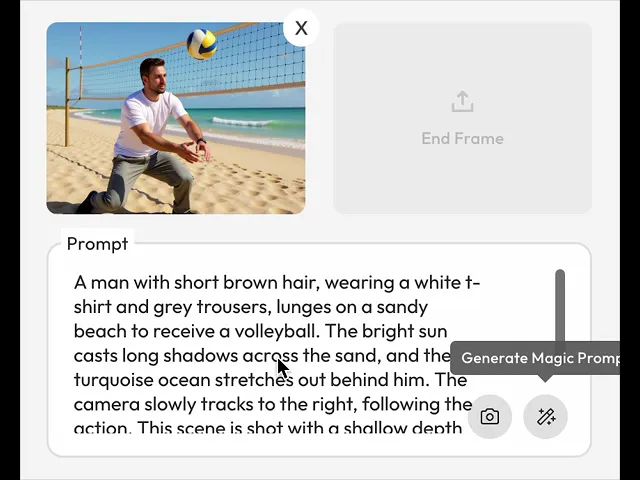
Upload Start Frame

Write / Generate Prompt
Generate Video
Powered by Atlabs
Veo 3.1, Google DeepMind’s latest AI motion model, is now available on Atlabs — empowering creators to generate cinematic-quality videos with remarkable realism, emotion, and fluid motion. Featuring native synchronized audio, enhanced lighting and depth, and seamless multi-scene transitions, Veo 3.1 enables you to bring your stories to life from just text or reference images. Experience next-generation AI filmmaking, exclusively on Atlabs.
Watch Your Images Come to Life
AI Motion Video Samples
Explore real examples of how AI transforms static images into dynamic, cinematic videos with seamless motion and stunning effects.
Create Cinematic Videos from Your Images
Two Ways to Create Motion.
Choose how you want to bring your images to life — full control or instant creativity.
Got Questions?
What is AI motion generation?
AI motion generation turns your uploaded images into videos by adding cinematic camera movements, effects, and AI-generated prompts.
Is it free to use?
Yes! New users get free credits when they sign up, which you can use for a certain number of generations at no cost. Once your free credits run out, you can purchase more or subscribe for unlimited access.
Can I control the camera movements?
Yes, you can control the camera movements using Director Mode (Minimax model). Choose from pre-templated cinematic shots or fine-tune the movements to fit your creative direction.
Can I preview before exporting?
You can view to your generated videos before final download.
What aspect ratios are supported?
You can generate videos in 1:1, 16:9, or 9:16 aspect ratios.
Are captions included?
Trendy, accurate captions are generated automatically with each video for accessibility.
Can I revert to previous video generations?
Yes, you can easily revert to any previous video generation and adjust settings as needed.
Will the video have audio?
Not all models generate audio, but models like Google Veo 3 Fast and Google Fast will include audio along with the video.
Do I need any special software or skills to use the tool?
No, the tool is designed to be user-friendly and doesn’t require any professional video editing skills or additional software. Simply upload your image and follow the easy steps to generate a video.
What is the Magic Prompt?
The Magic Prompt feature is an AI-powered tool that automatically generates detailed, cinematic prompts based on a simple description or image. Instead of writing the full prompt manually, you can use Magic Prompt to instantly create a well-tailored description for your image, enhancing the video generation process with minimal effort.
Can I upload multiple images and create a video from them?
Currently, the tool is optimized for single-image-to-video generation. However, you can optionally add an end frame along with the start frame to create a more dynamic video effect, but generating a sequence of multiple images for video creation is not yet supported. We are working on expanding this feature.