Animate Any Image with a reference video
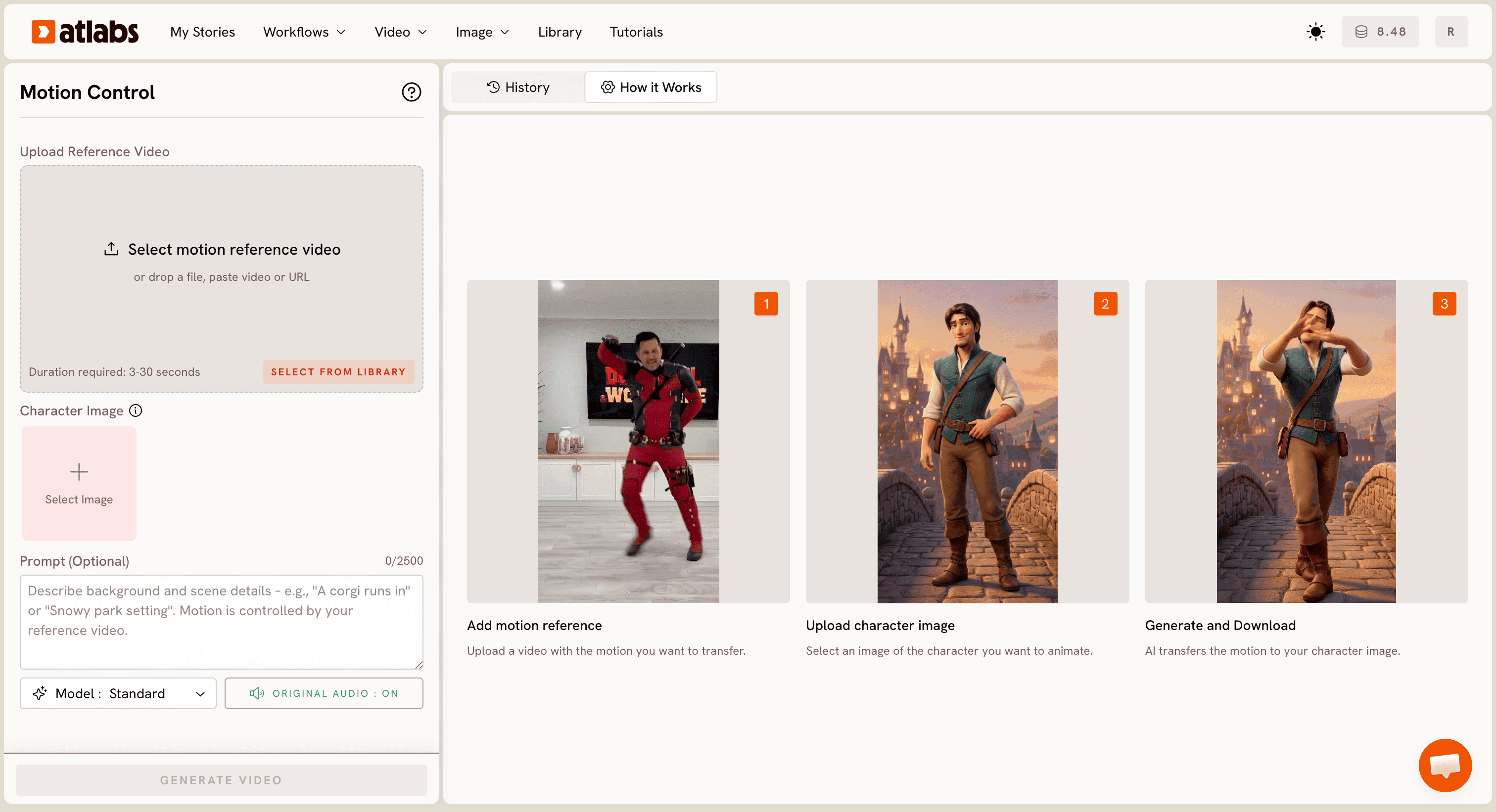
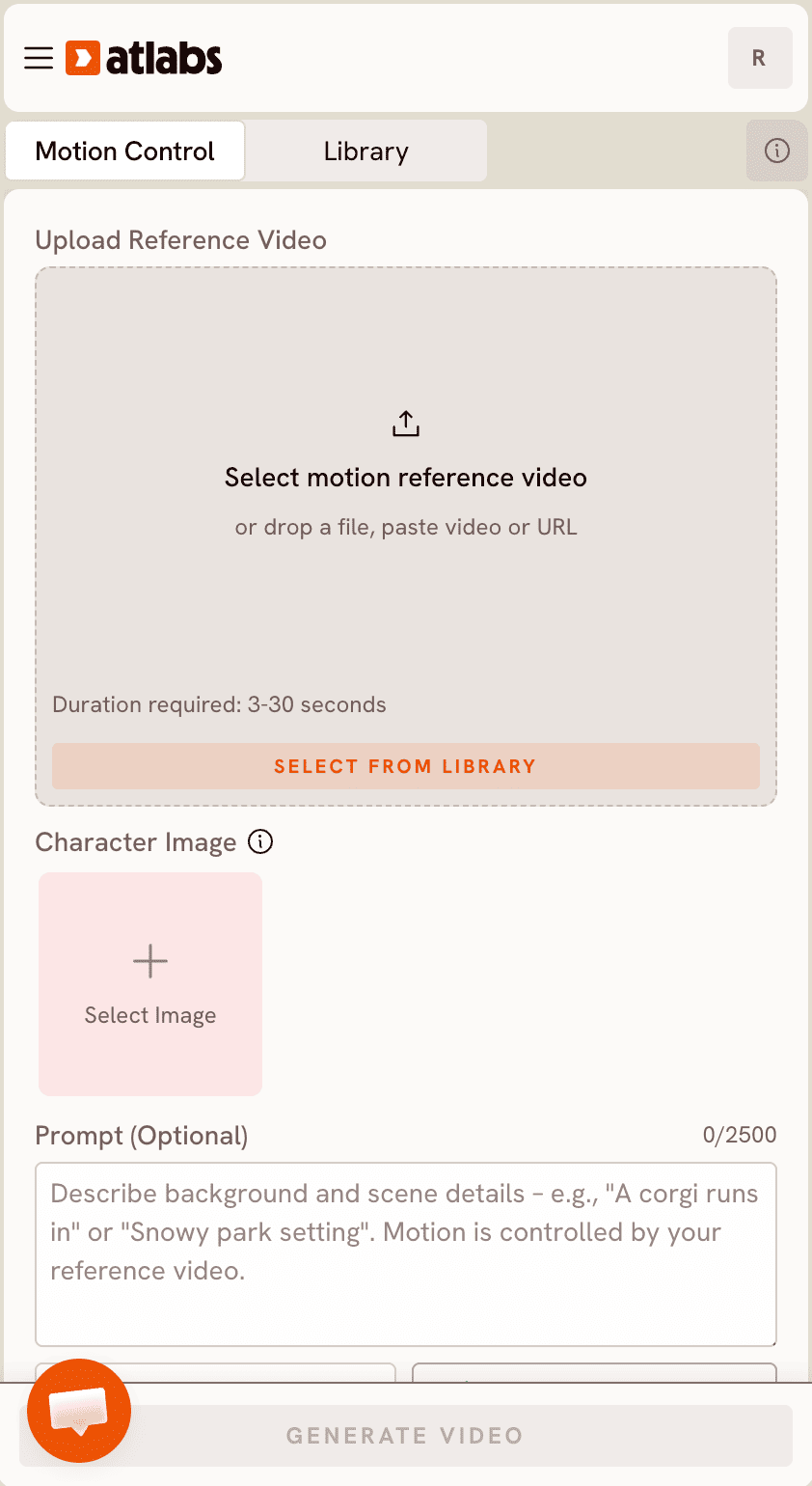
Upload a reference video and a character image. AI transfers the exact motion - dance moves, gestures, poses - onto your image. No studio. No 3D rig. Just upload and go.
Step by Step
How it Works
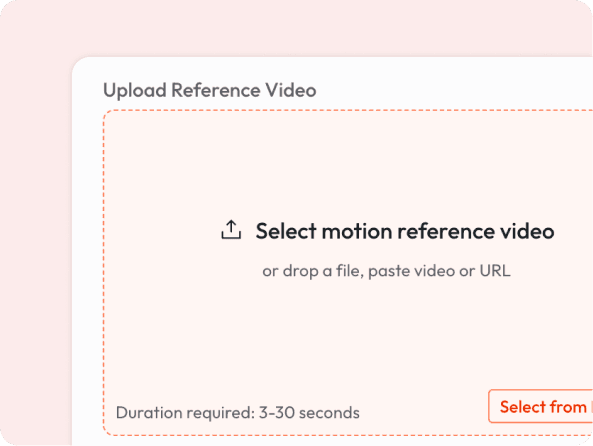
Upload a video ( 3 to 30 seconds ) with the movement you want to transfer.
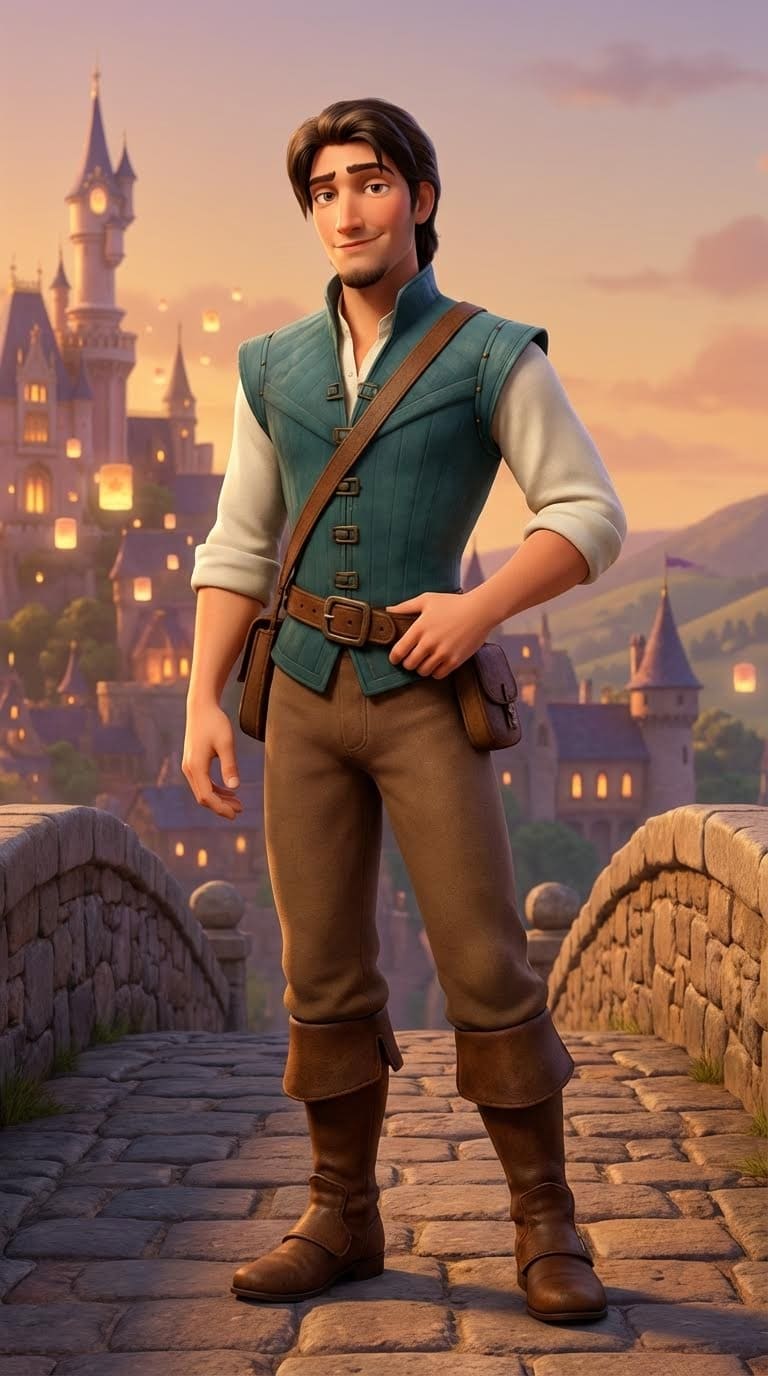
Add Character Image
Drop in any image: a cartoon character, illustrated mascot, AI-generated portrait, or a photo.
AI maps the motion from the video onto your character and renders a smooth animated video.

Download video
Download and share in seconds.
Some Examples
Animate Your Character to Any Motion
What makes it special
Any Art Style Works
It works across styles - realistic portraits, cartoon characters, anime, mascots, and more. The AI adapts motion to fit your character naturally.
No Motion Capture Equipment
Traditionally, animating a character requires expensive 3D rigs or motion capture suits. Now you just need a short video of any person moving.
Keep Your Original Audio
The reference video's audio is preserved in the output, so your animated character can lip-sync or react to music automatically.
Fast Turnaround
No render queues. No editing software. Upload, generate, and download. Most videos are ready in under a minute.
Got Questions?
What kind of reference video works best?
Any video of a person moving clearly: dancing, gesturing, walking, or posing. 3 to 30 seconds, filmed with decent lighting. Avoid heavy occlusion (person blocked by objects).
What image formats can I upload for the character?
JPG and PNG work best. The character should be clearly visible, ideally full-body or at least from the waist up for full motion transfer.
Will the background change?
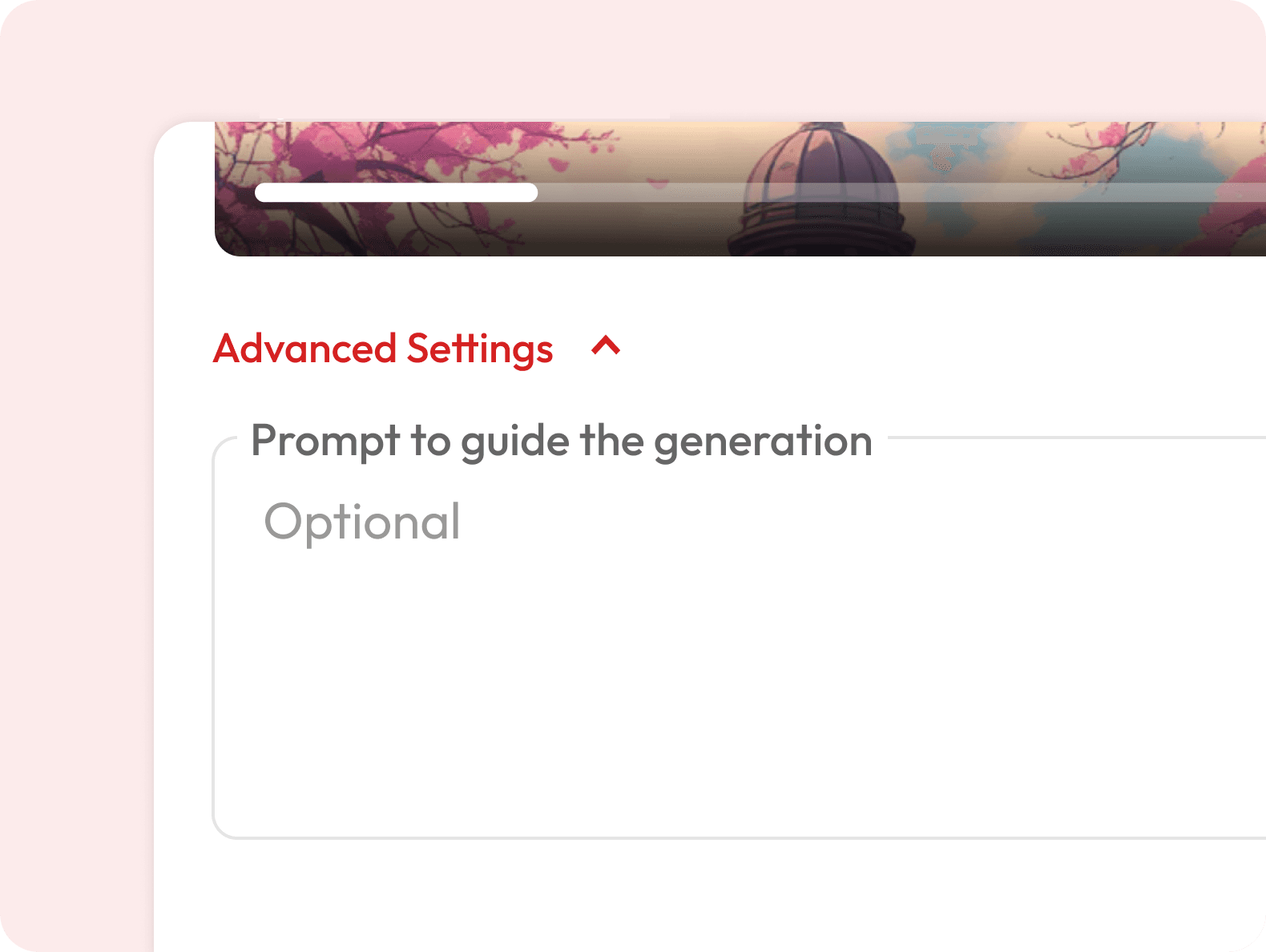
You can describe a background in the optional prompt field. Otherwise, the character is placed in a contextually appropriate scene.
Can I use a dance video from social media as a reference?
Yes, you can paste a video URL directly into the upload field.
Is this the same as deepfake technology?
No. Motion Control transfers movement onto illustrated or AI-generated characters and does not replace real human faces or create synthetic impersonations of real people.
What's the difference between Motion Control and Image to Video?
Image to Video generates motion from a text prompt. Motion Control lets you control exactly what motion plays out, because you provide the reference video yourself.
Is it free to use?
Motion Control requires a subscription. Visit our pricing page to find a plan that works for you.
How long does it take to generate the animated video?
Most videos are ready within a few minutes depending on the length of your reference clip. You will get a notification as soon as your video is ready to download.
Can I use the generated videos commercially?
Yes, videos generated on eligible subscription plans can be used for commercial purposes including ads, social media, and client projects. Check the pricing page for details on which plans include commercial usage rights.
Can I use this for cartoon or illustrated characters?
Yes, this is one of the most popular use cases. Upload any illustrated or AI-generated character and it will animate with the reference motion.