Reframe Videos with AI without cropping
Change your video's aspect ratio without losing important details. Our AI extends the background to fill the new space seamlessly, so your subject always stays in focus.
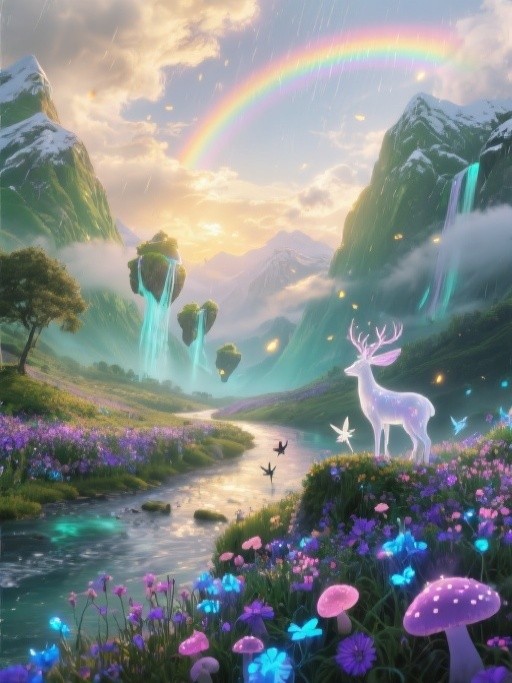
Before
After
9:16 to 16:9
Before
After
1:1 to 21:9
Before
After
16:9 to 3:4
Before
After
1:2 to 4:3
Step by Step
How it Works


Upload your Video
Drag & drop, select or paste URL
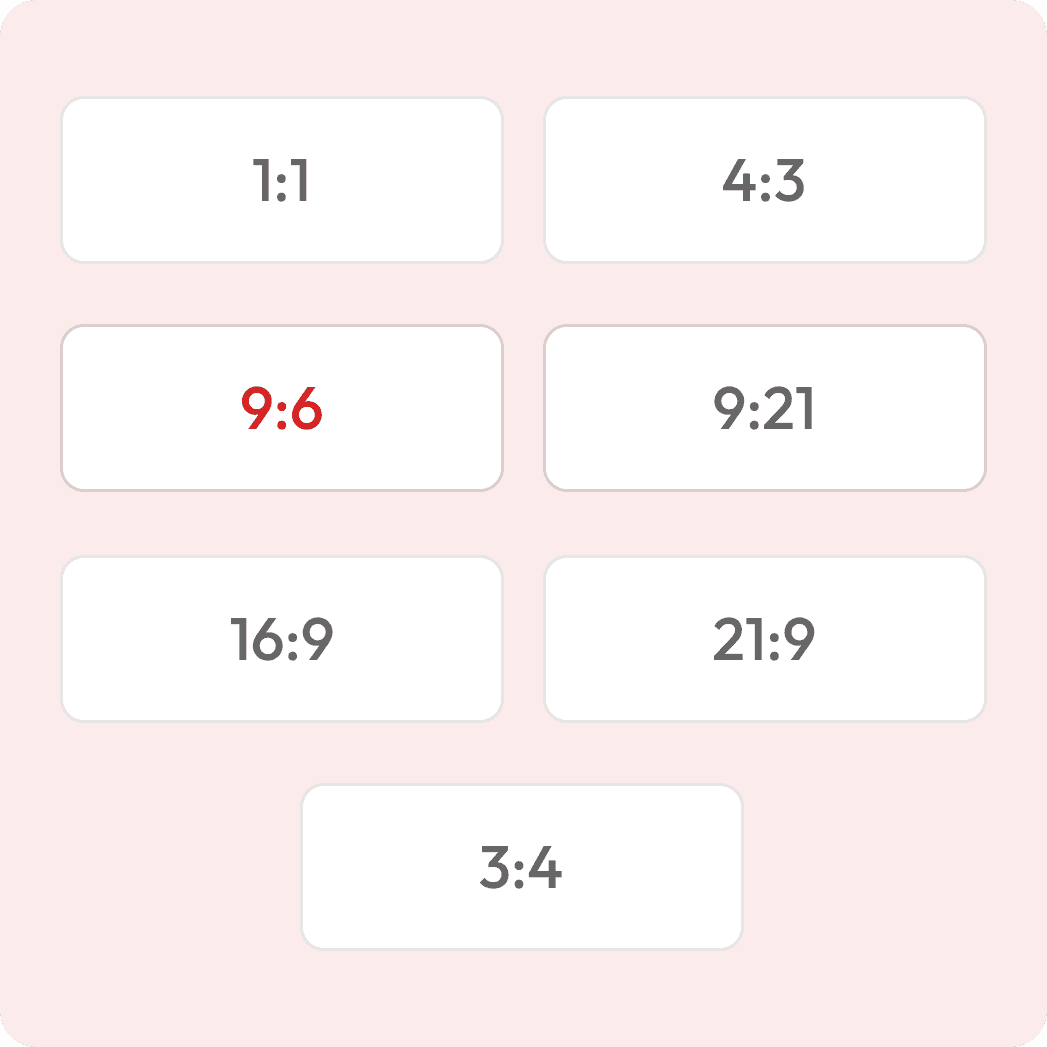
Choose your aspect ratio
E.g. 1:1, 4:3, 16:9, 9:21

See live before & after

Download reframed video
Printer-ready or for screens
Reframe your Video to any aspect ratio
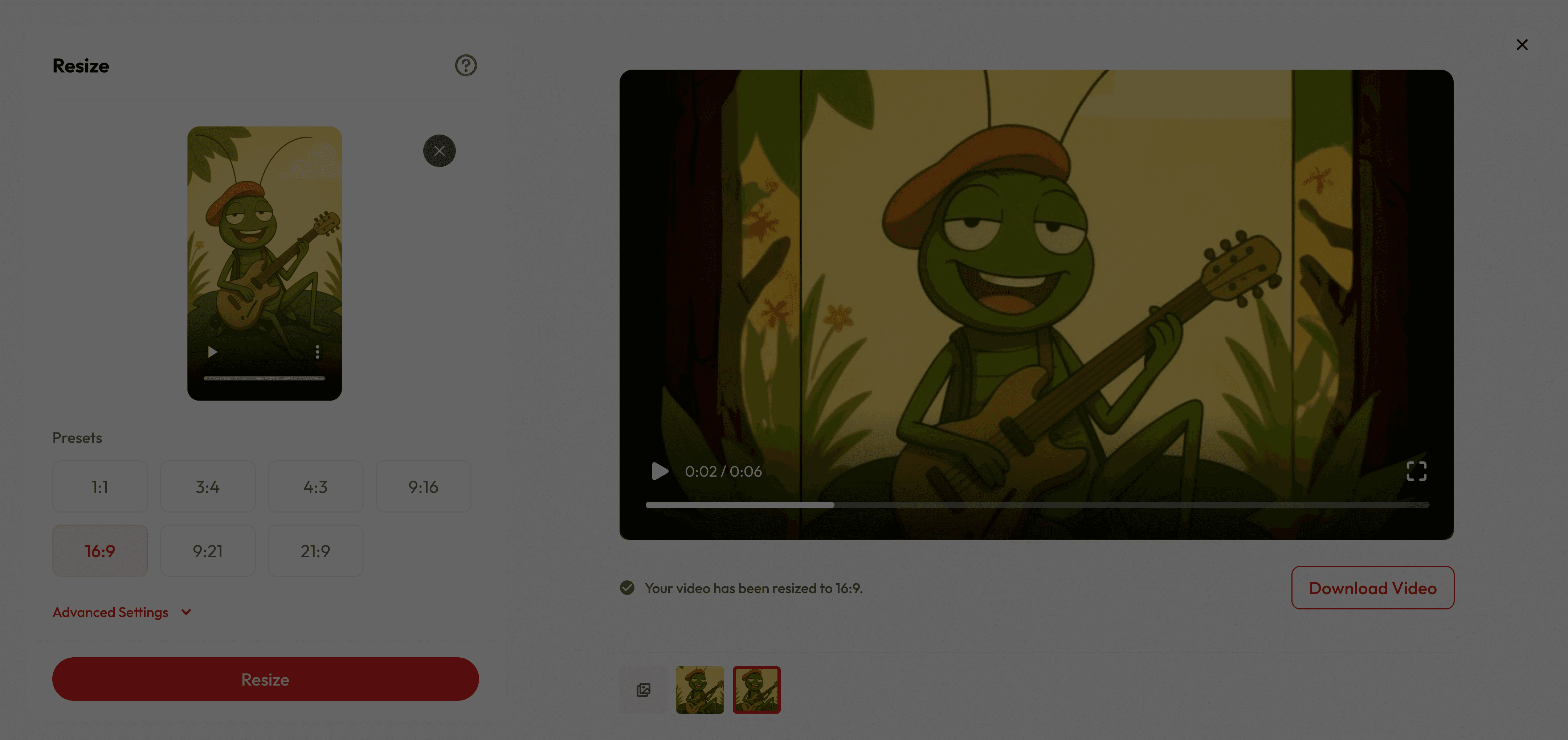

What makes it special
Keep Your Main Subject Intact
AI ensures your main subject stays perfectly in focus, filling the edges with realistic, context-aware visuals.
Save Time on Reshoots
Recover cropped framing and reformat for different platforms without extra filming.
Perfect for All Creators
Whether you’re making cinematic edits, social media clips, or quick reels—Reframe fits your needs.
Got Questions?
What does “reframing” mean?
Reframing changes your video’s aspect ratio to fit different platforms without cutting out important parts. Instead of cropping, our AI expands the scene by generating realistic background details that blend perfectly with the original footage.
How is this different from normal resizing?
Traditional resizing crops or adds black bars, which can make content look awkward. Our AI uses scene-aware expansion to keep everything visible and naturally fill extra space.
What aspect ratios can I choose from?
You can select popular presets like 1:1, 4:3, 3:4, 16:9, 9:16, 21:9, or 9:21 to suit your needs.
Can I control how the new background looks?
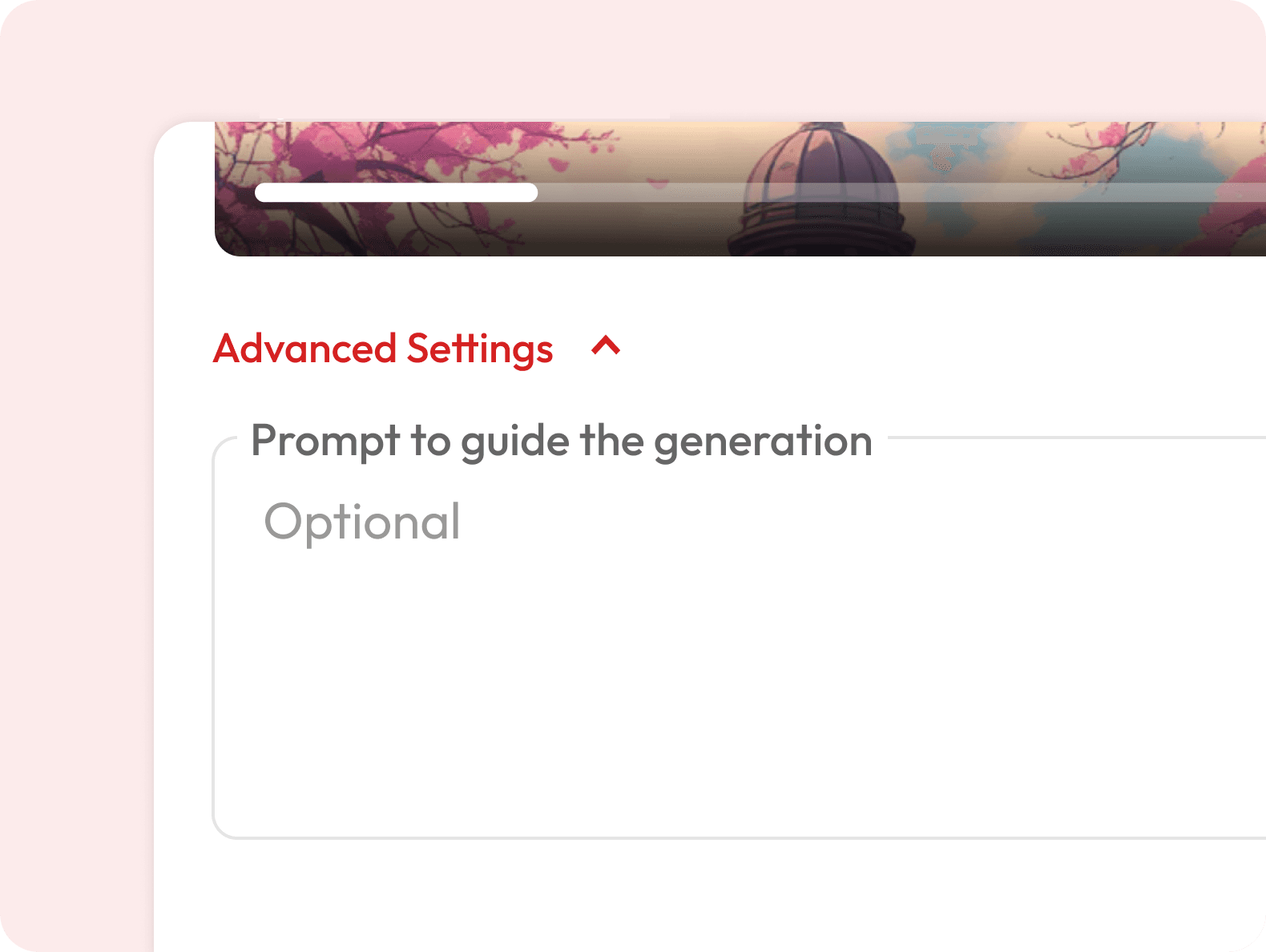
Yes — in Advanced Settings, you can add a prompt to guide the AI’s background style, colors, or mood.
Is the generated background unique every time?
Yes — each expansion is generated fresh by AI, so results may vary slightly even with the same image and settings.
Is there a length limit?
Yes — videos up to 30 seconds are supported for reframing. Longer videos can be trimmed before upload.
Is it free to use?
Yes — you get free credits when you sign up, so you can do a few resizes at no cost. Once your free credits run out, you’ll need to subscribe for more.
Can I use this for animated videos or cartoons?
Will the AI match my video’s style and lighting?
Will the AI change my subject?
No — your subject, motion, and core content remain untouched. The AI only generates extra background to fit the new aspect ratio.