Reframe images with AI without cropping
Change your image’s aspect ratio in 1-click. AI fills the new space seamlessly, so your subject always stays in focus.
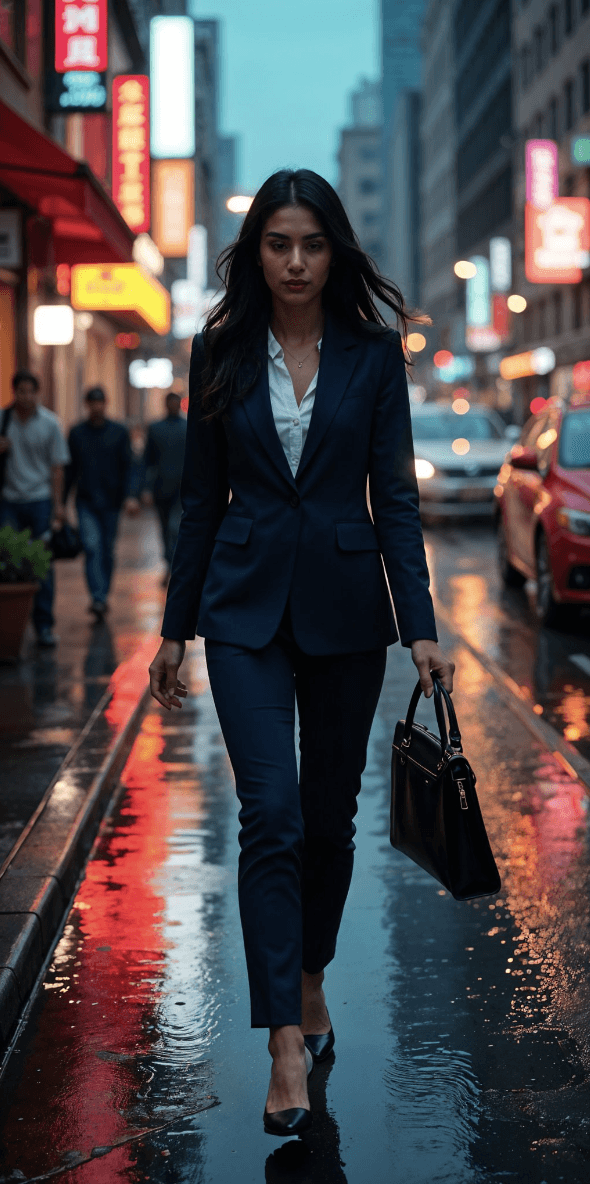
Before
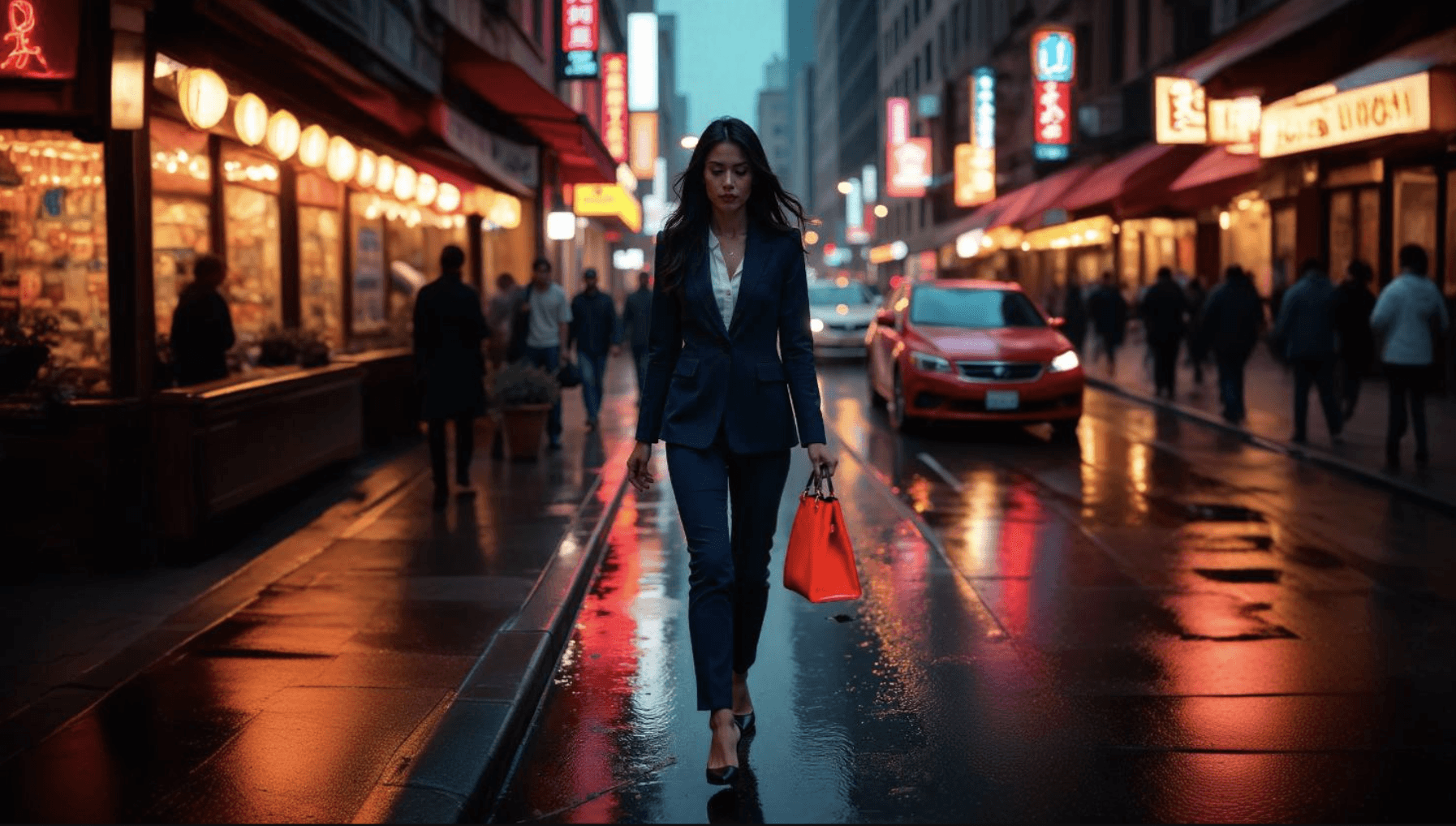
After
9:16 to 16:9

Before
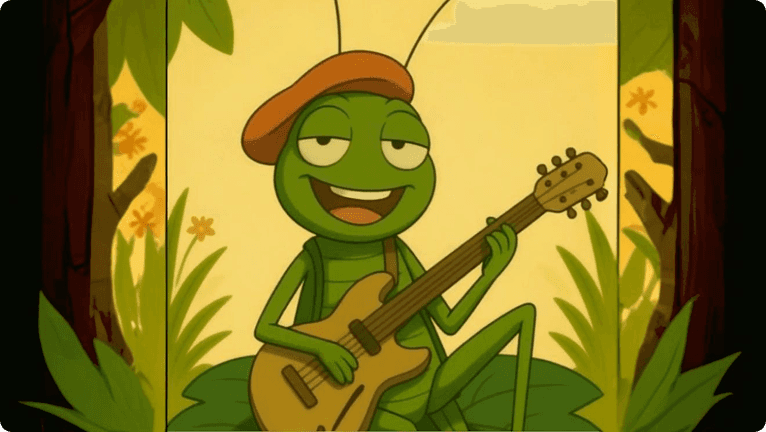
After
1:1 to 16:9

Before

After
16:9 to 3:4
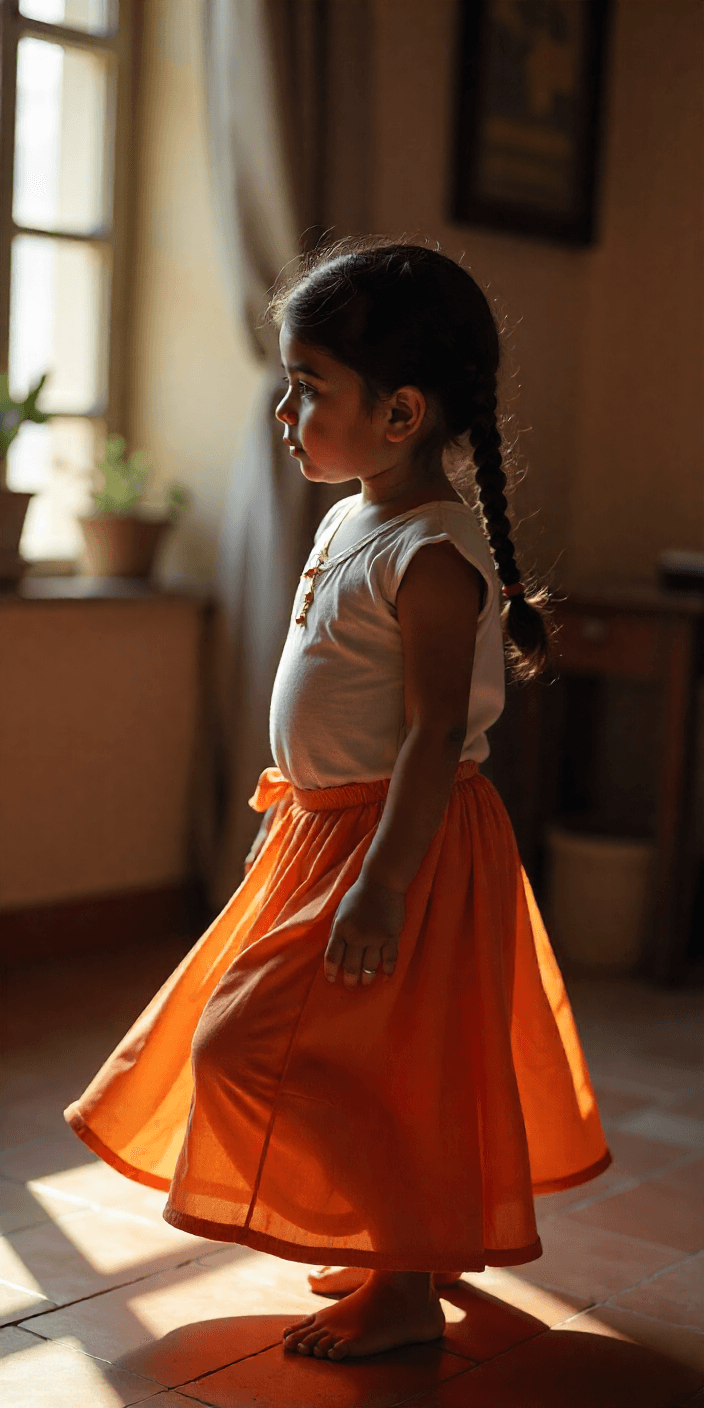
Before

After
1:2 to 4:3
Step by Step
How it Works

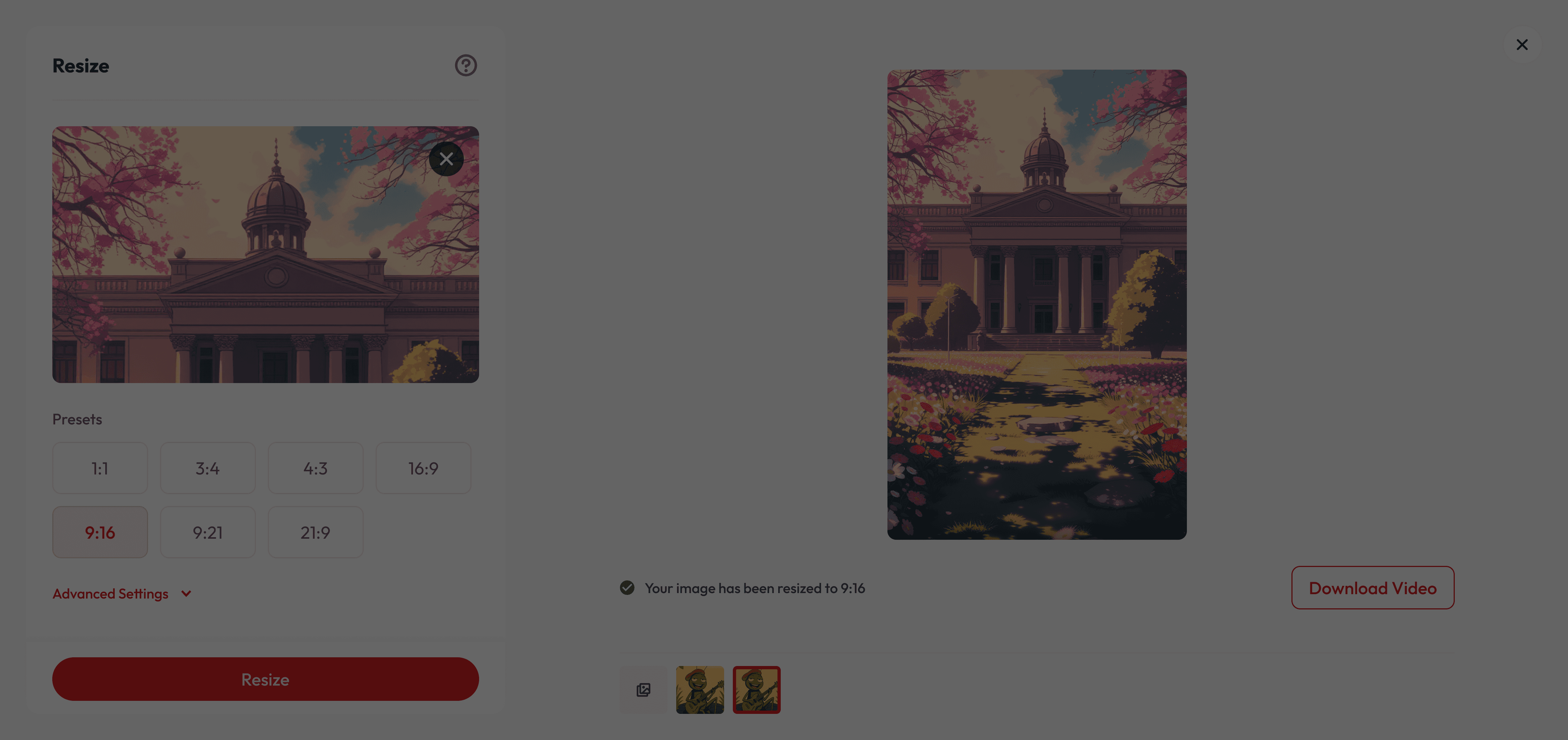
Upload your Image
Drag & drop, select or paste URL
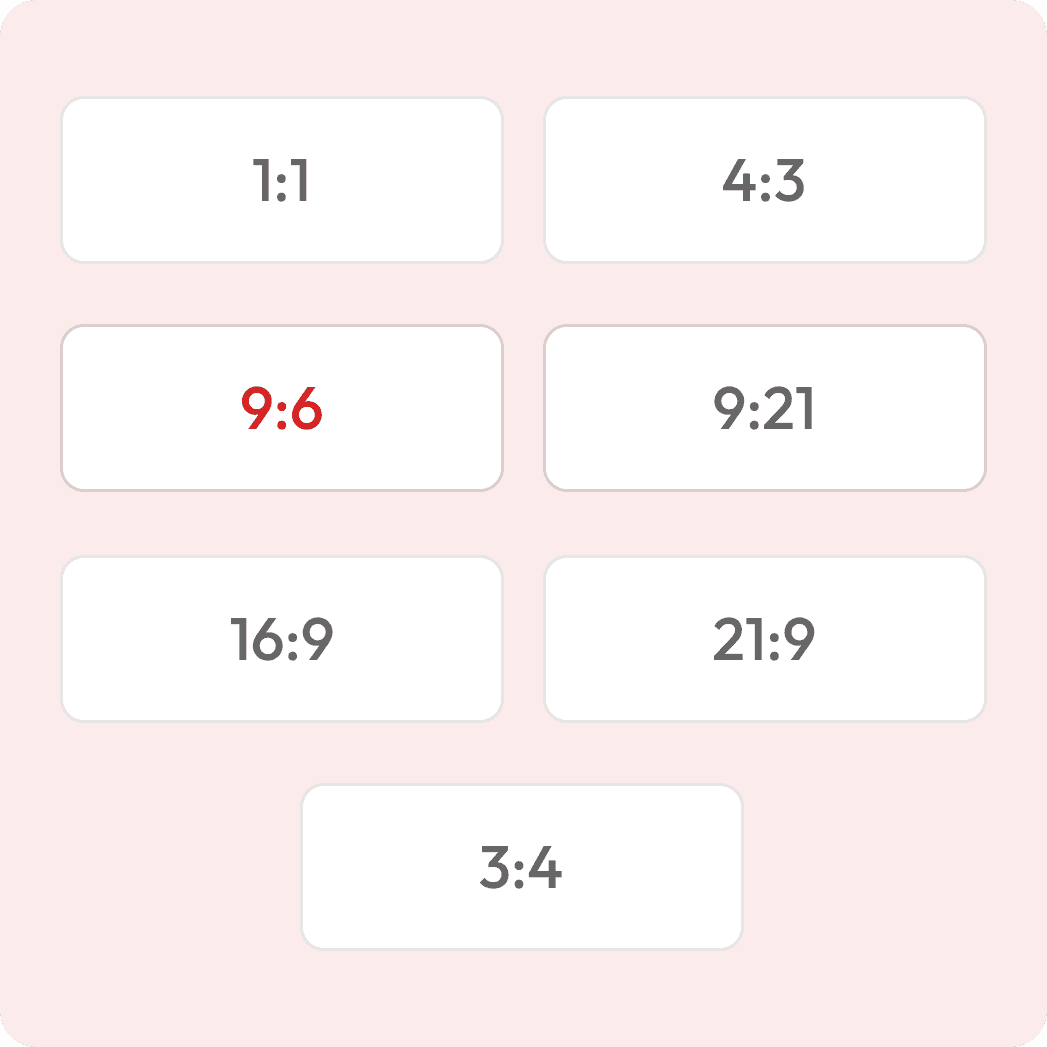
Choose your Aspect Ratio
E.g. 1:1, 4:3, 16:9, 9:21
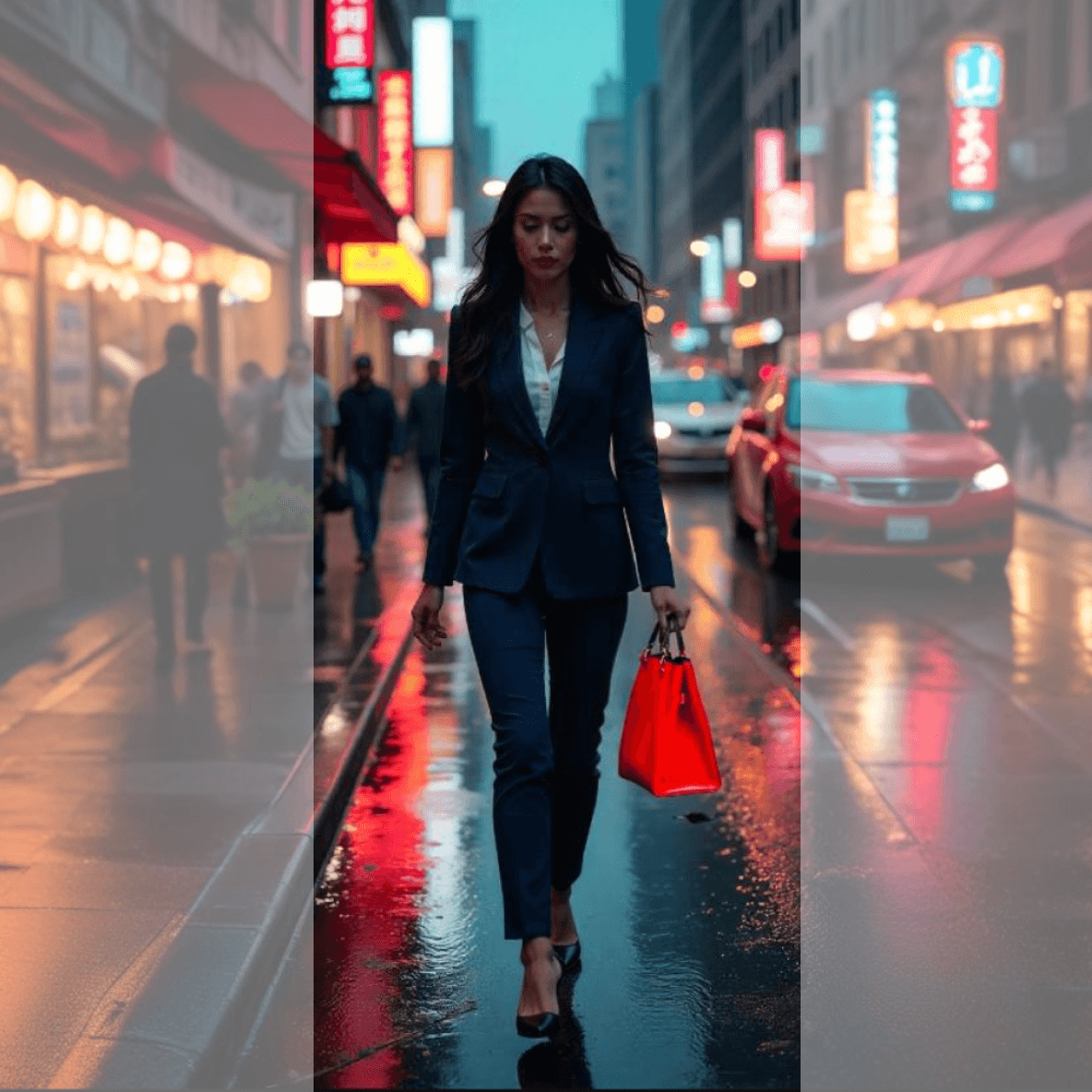
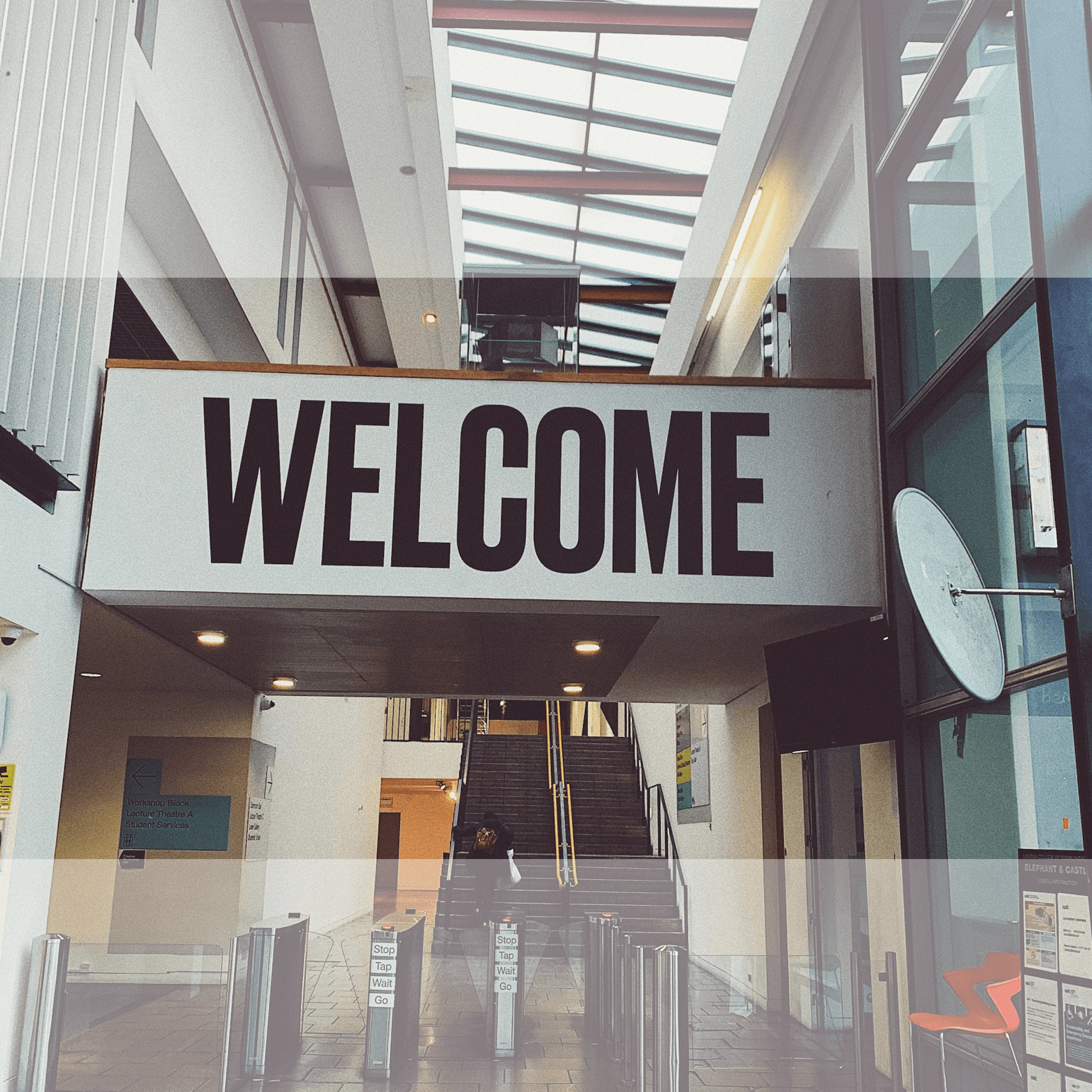
See live before & after
Download your Image
Printer-ready or for screens
Reframe your Image to any aspect ratio

What makes it special
Keep Your Main Subject Intact
AI ensures your main subject stays perfectly in focus, filling the edges with realistic, context-aware visuals.
Save Time on Reshoots
Recover cropped framing and reformat for different platforms without extra filming.
Perfect for All Creators
Whether you’re making cinematic edits, social media clips, or quick reels—Reframe fits your needs.
Got Questions?
What does “reframing” mean?
How is this different from normal resizing?
What aspect ratios can I choose from?
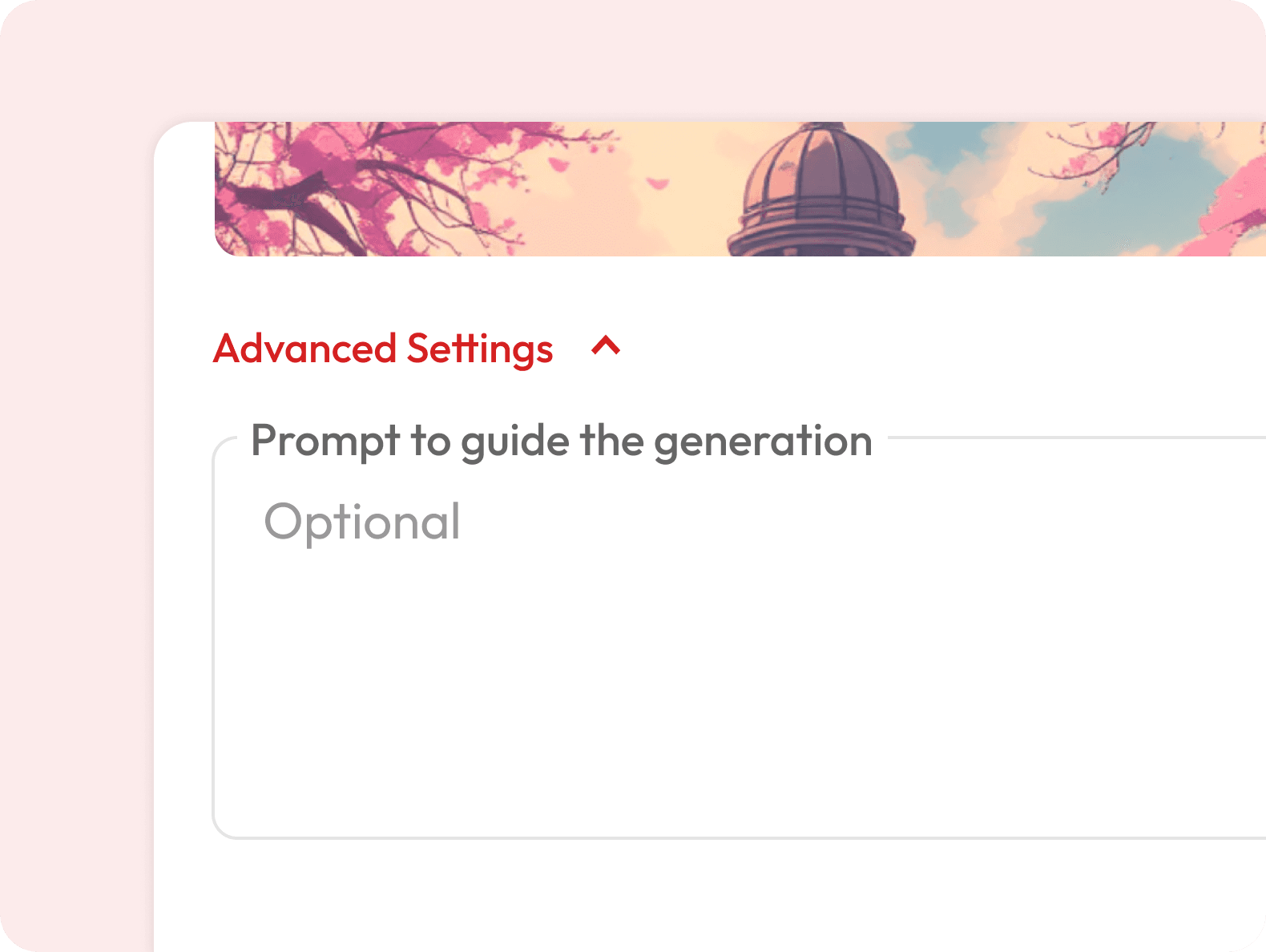
Can I control how the new background looks?
Is the generated background unique every time?
Will the AI match my image’s art style?
Is it free to use?
Will the AI change my subject?